Ayaneo says that next up is the, err, Next II, a power-hungry handheld with a whopping 115 Wh battery
The Ayaneo Next II, a Windows-based handheld gaming PC, has been officially revealed—and it's every bit as beefy as its announcement back in July suggested. The jewel in its hardware crown is the AMD Ryzen AI Max+ 395, a decidedly power-hungry chip that is sated by a whopping 115 Wh battery. This ain't no teeny tiny slider patty but a full quarter pounder.
There's no details on pricing or a release date yet but what I can tell you now is that, yes, in theory you could still take this chunky gaming handheld on a plane (though, you would need to check ahead of time what restrictions on 100+ Wh batteries may be in place for your specific airline). However, it's not just the chip that's greedy; the Ayeneo Next II's TDP is 85 W in order to feed an impressive list of tech specs.
To begin with, there's the 9.06-inch OLED panel that features 2400 × 1504 resolution and enjoys up to 1100 nits of brightness. This screen also offers variable refresh rates, including options for 60 Hz, 90 Hz, 120 Hz, 144 Hz, and 165 Hz. But even such a luscious screen is still just the tip of the rapidly melting iceberg.
Next, let's peel back the lovingly grilled layers of that AMD Ryzen AI Max+ 395 mobile processor patty; in Ayaneo's own words, this chip is "powered by a Zen 5 Strix Halo CPU, RDNA 3.5 Radeon 8060S integrated GPU, and advanced AI compute capability, [allowing] players [to] enjoy top-tier performance whether playing AAA blockbusters, creating multimedia content, or multitasking."
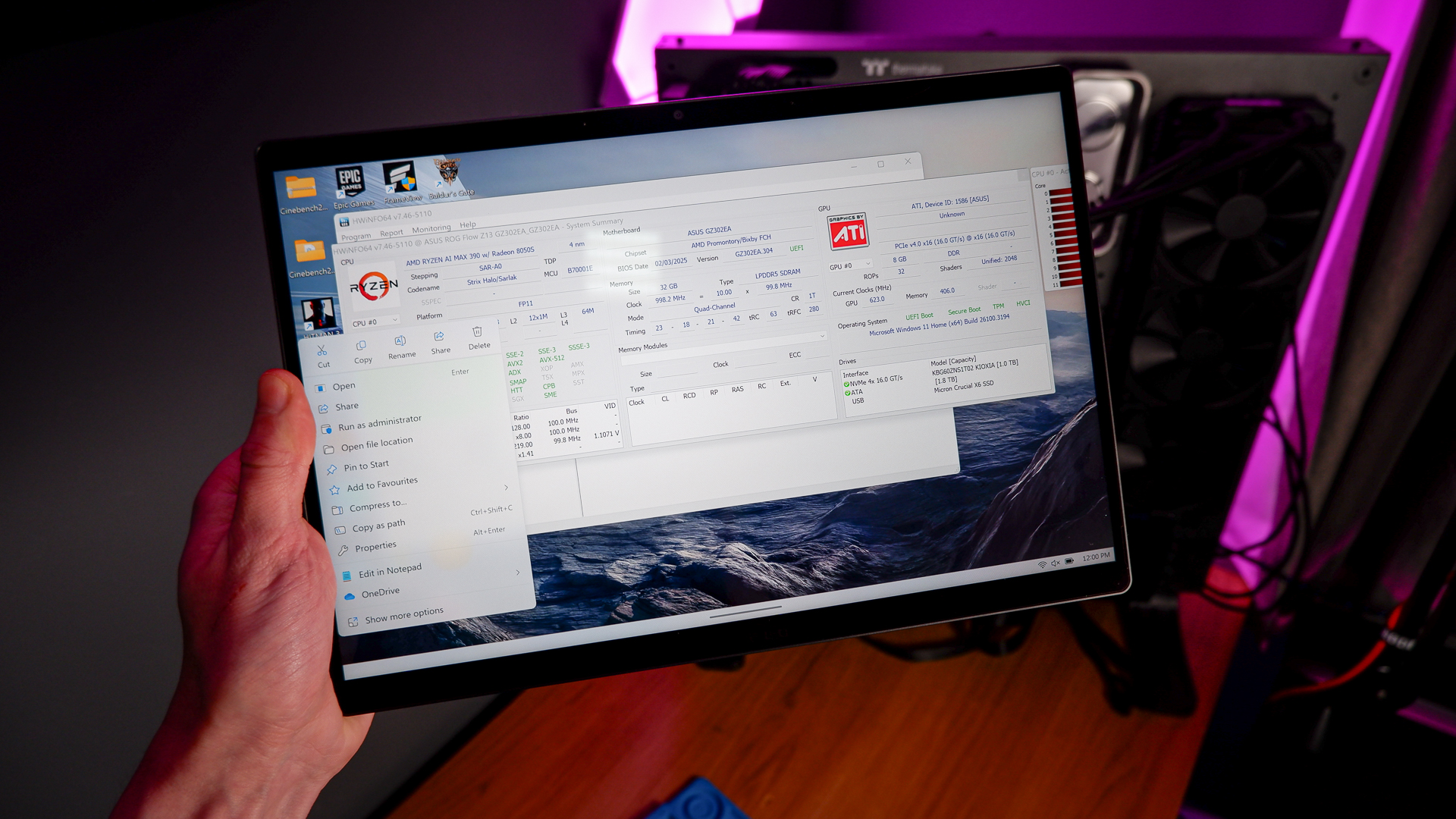
We have tested this chip inside the Framework Desktop, and while we like how it performs without battery constraints, we weren't as fussed with its smaller sibling, the 390, in the ROG Flow Z13.
Beyond that, I personally wouldn't want to edit my TikToks on a handheld gaming PC, but each to their own. The point still stands that that's an impressive amount of power burbling away under the hood of what is a mobile device—and it even comes with rumble! Haptics here are supplied via a "magnetic-levitation haptic motor" developed by Ayaneo and Guli Technology.
You're also getting Hall effect joysticks and triggers, effectively banishing stick drift from what I have no doubt will be a very premium handheld. The Next II also includes 'dual-stage trigger locks,' which offers "linear mode and micro-switch mode" (as far as I understand it, that's a mode where the triggers actuate fully, and a much shallower, 'clicky' mode for fast and responsive action). There's also an '8-way floating d-pad,' plus a remappable touchpad similar to the one also seen on the Ayaneo Kun handheld.
But with such beefy innards, what's this thing actually going to be like to handle? At the moment, I can only theorise but Ayaneo does offer a few compelling clues. For a start, Ayaneo makes a point of leading with its "upgraded ergonomic large grip" (clearly someone's taken a peek at my hopes for the Steam Deck 2's form factor—and strongly disagreed).
For those ever-hungry for more nubbins, there are four remappable function keys, plus four extra buttons on the handheld's underside as well. Ayaneo writes that this way "players can enjoy a fluid, holistic ten-finger control experience," and that the "four ergonomically positioned geometric rear buttons offer fast, natural activation, enabling everything from quick reactions to complex input combinations."
I'm sure that will be comfortable for somebody with mighty mitts, but I think perhaps I'll need to undertake a regiment of stretching for my weird little baby hands. With no clear release window for the Ayaneo Next II, how long I'll need to do that remains to be seen. We also don't yet know how much the Ayaneo Next II will cost—but with all of the tech specs discussed above, I've little doubt this is going to be a very pricey handheld.