
Zobrazení pro čtení

Available for Xbox Insiders on PC: Postgame Recaps
Available for Xbox Insiders on PC: Postgame Recaps

  • Alex Charters, Senior Product Manager

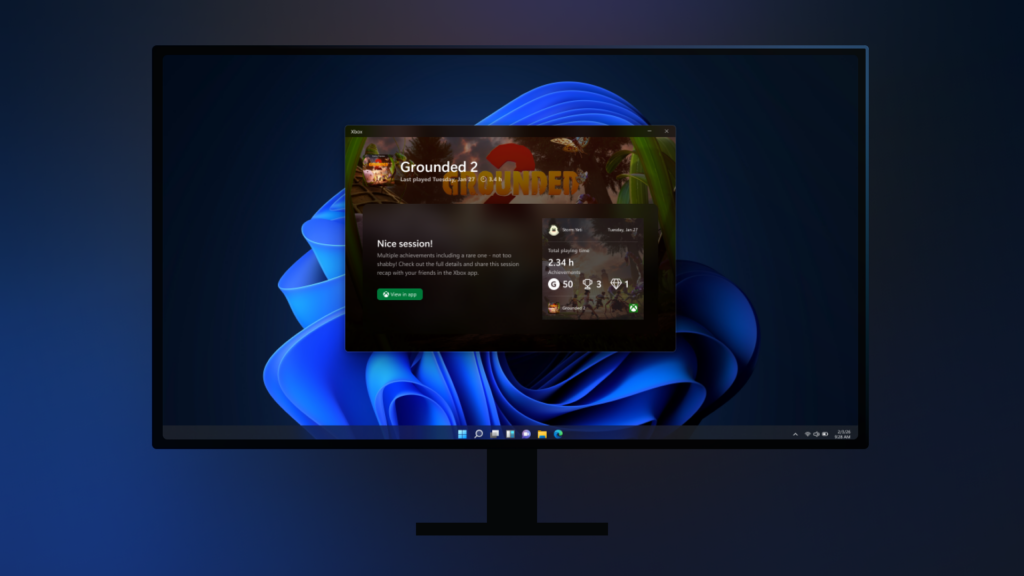
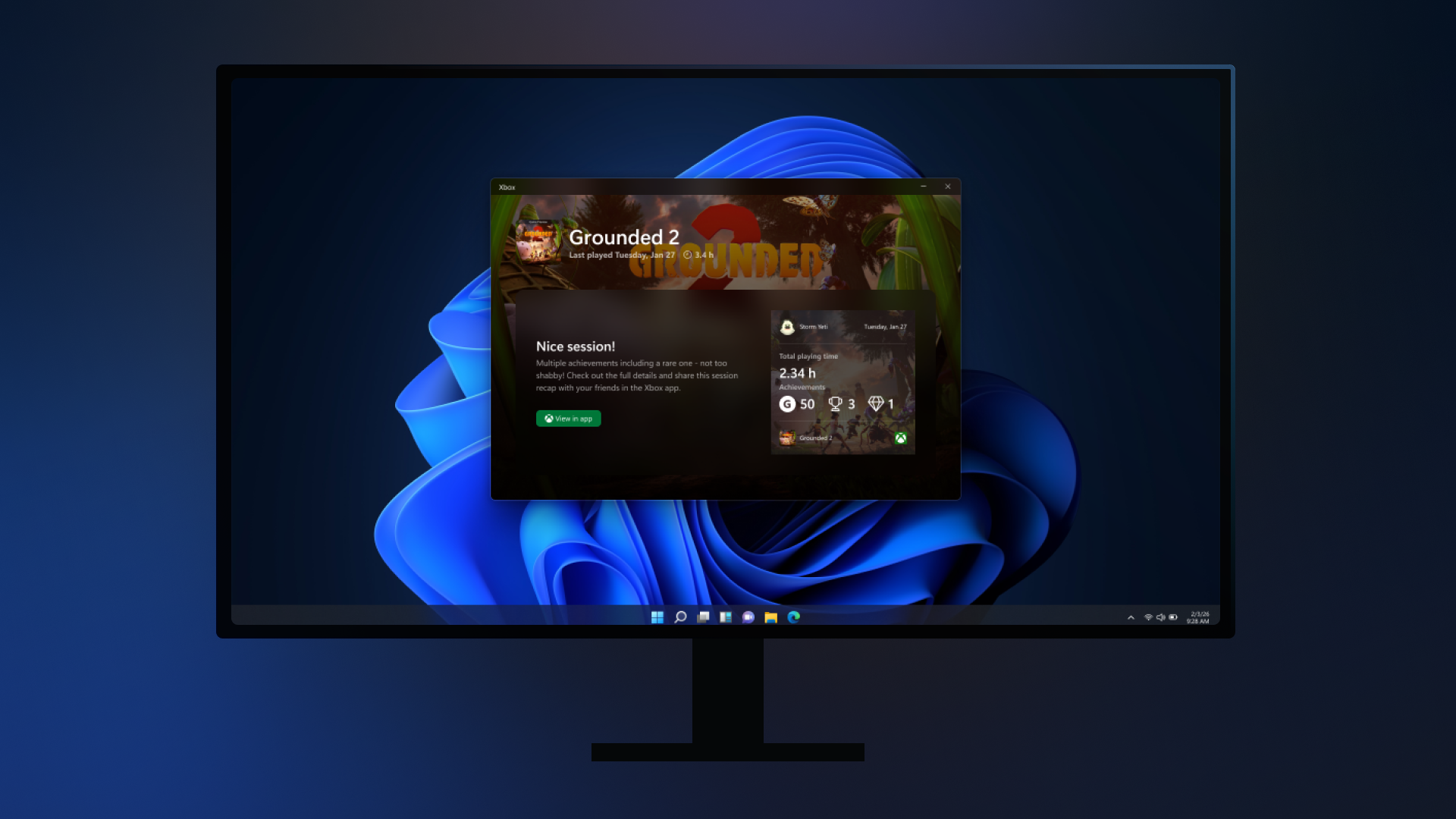
Starting today, Xbox Insiders in the PC Gaming Preview can try postgame recaps in the Xbox PC app on Windows. After you finish a play session, you may see a quick recap that highlights moments from that session—like captures you took, achievements you unlocked, and relevant in‑game events—plus an option to share feedback so we can keep improving the experience. 

Postgame recaps are designed to show up only when they’re useful—not after every game. You’re most likely to see a recap when you take a capture through Game Bar or unlock an achievement. On your first time playing a game (and occasionally after that), you may also see a short check‑in and recommendations for other games you might enjoy. 
You’re in control of what you see. You can turn individual recap types on or off in Settings > App > Postgame recaps to tailor the experience to your preferences. 

To support postgame recaps, the Xbox app may run in the system tray while you play so it can show the recap after you exit your game. We’ve optimized this to minimize memory and performance impact. If you opt out of all postgame recap types, the Xbox PC app will no longer start in the system tray when you launch a game. 

We’d love your feedback—tell us what you found helpful, what felt unnecessary, and what you’d like to see after future gaming sessions. 

How to Get Xbox Insider Support and Share Your Feedback

We want to thank all the Xbox Insiders for the feedback you share with us. If you’re an Xbox Insider looking for support, please join our community on the Xbox Insider subreddit, where official Xbox staff, moderators, and fellow Xbox Insiders are there to help. We recommend adding to threads with the same topic before posting a brand new one. This helps us support you the best we can! We’re grateful to our Insider community for the helpful feedback you provide, it continues to shape the future of Xbox.

For more information on the Xbox Insider Program, follow us on Twitter at @XboxInsider and keep an eye on this blog for all the latest news.

Other resources:

For more information: follow us on X/Twitter at @XboxInsider and this blog for announcements and more. And feel free to interact with the community on the Xbox Insider SubReddit.

The post Available for Xbox Insiders on PC: Postgame Recaps appeared first on Xbox Wire.
  •  

Starting today, Full Screen Experience for Windows 11 PCs is available for Xbox Insiders!

Starting today, Full Screen Experience for Windows 11 PCs is available for Xbox Insiders!

  • Cassie Chou, Senior Technical Program Manager

Today the full screen experience (FSE) is generally available on Windows 11 handhelds currently in market, bringing performance optimizations and the ability to boot directly into Xbox for a smoother, more seamless way to play. Designed to minimize friction and get players into their games faster, this update helps deliver a console-like experience on handheld devices. For more information on how to set up, check out the full screen experience support page.

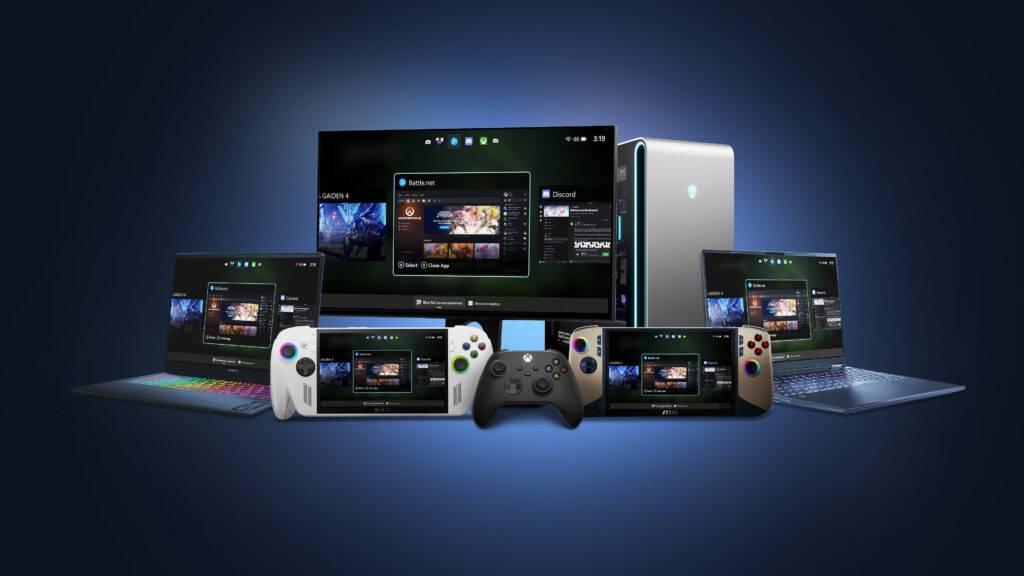
In addition to handhelds, the Xbox full screen experience is now available in preview for more Windows 11 PC form factors, such as laptops, desktops, and tablets, tailored for the PC experience. 

The Xbox full screen experience introduces a controller-navigable UI that brings an immersive, console-like experience to Windows 11 PC form factors. Designed for controller-first navigation, it provides a gaming-first, full-screen environment where players can easily browse and launch titles from across their game libraries- including most popular PC storefronts. A powerful Task Switcher enables quick movement between games and apps, delivering a seamless experience. 

How to Get Access to the PC Preview: Join Xbox Insider and Windows Insider Program 

  1. Join the Xbox Insider Program if you haven’t already: Xbox Insider Home | Xbox Support 
  • Install/Launch the Xbox Insider Hub app 
  • Navigate to Previews > PC Gaming Preview 
  • Select Join 
  1.  Join the Windows Insider Program Join the Windows Insider Program and manage Insider settings – Microsoft Support
  • Join Beta or Dev channels

Once you’ve joined – how to enter FSE: 

For more information about the Xbox full screen experience, including details about how to be among the first to try it out, visit Extending Xbox full screen experience to Windows 11 PC form factors. 

How to Provide Feedback

Share your thoughts in Feedback Hub, accessible via keyboard shortcut (WIN + F) or via the Xbox PC App (by selecting “Report a Problem”). Be sure to submit your Feedback under Gaming and Xbox > Gaming Full Screen Experience

How to Get Xbox Insider Support and Share Your Feedback

We want to thank all the Xbox Insiders for the feedback you share with us. If you’re an Xbox Insider looking for support, please join our community on the Xbox Insider subreddit, where official Xbox staff, moderators, and fellow Xbox Insiders are there to help. We recommend adding to threads with the same topic before posting a brand new one. This helps us support you the best we can! We’re grateful to our Insider community for the helpful feedback you provide, it continues to shape the future of Xbox.

For more information on the Xbox Insider Program, follow us on Twitter at @XboxInsider and keep an eye on this blog for all the latest news.

Other resources:

For more information: follow us on X/Twitter at @XboxInsider and this blog for announcements and more. And feel free to interact with the community on the Xbox Insider SubReddit.

The post Starting today, Full Screen Experience for Windows 11 PCs is available for Xbox Insiders! appeared first on Xbox Wire.

  •