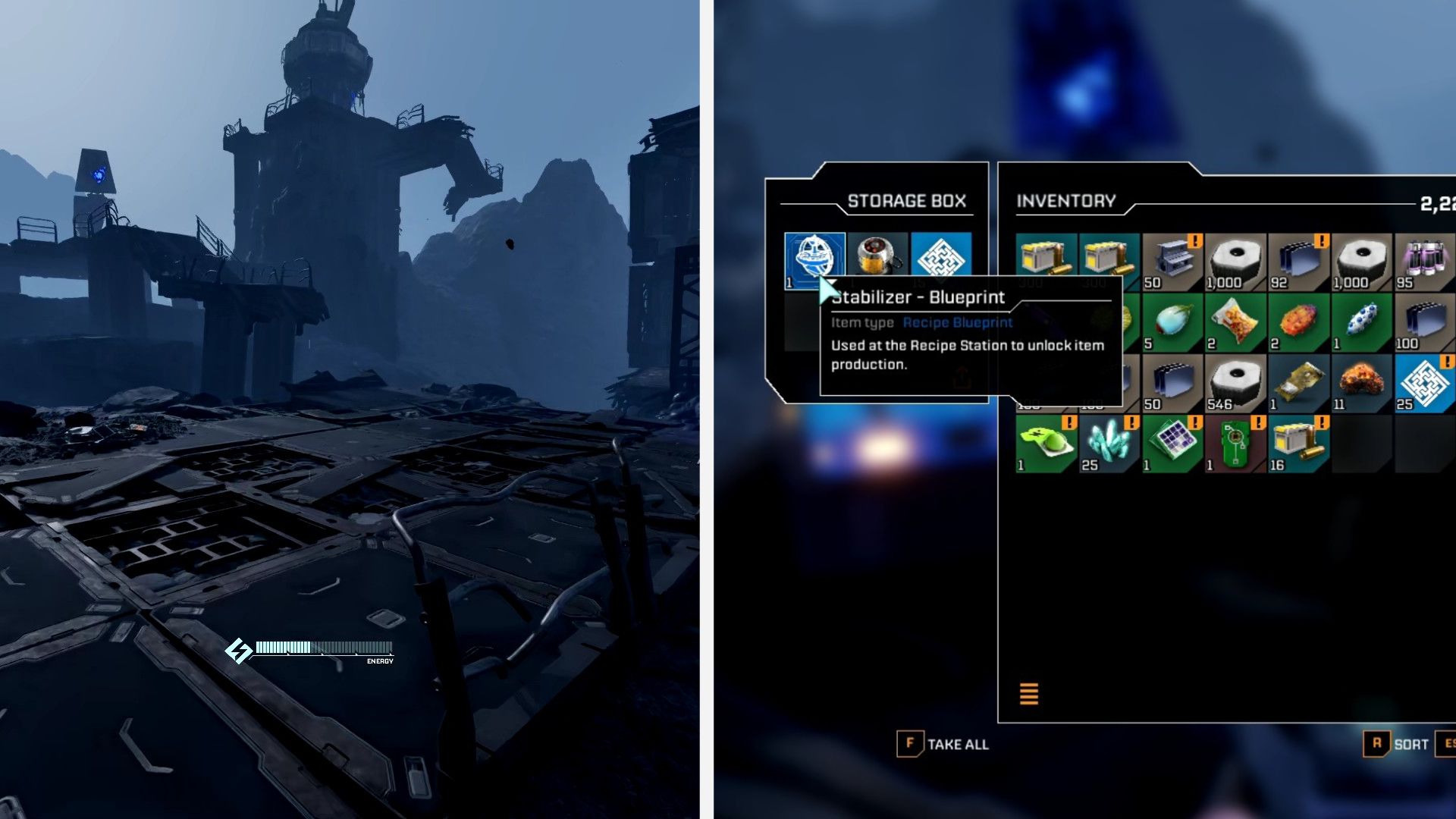
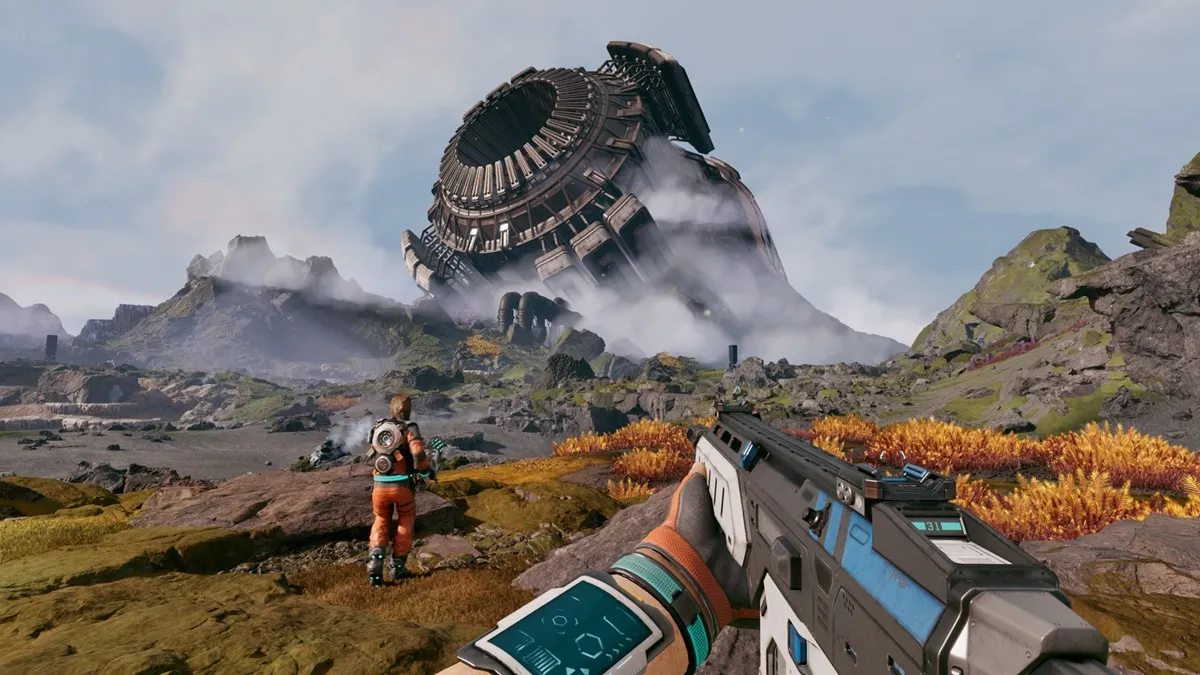
StarRupture has a ton of places to explore, from underground living caves to abandoned outposts. Each of these will house something you'll probably end up needing at some point, so you may want to check them out when you get a chance.
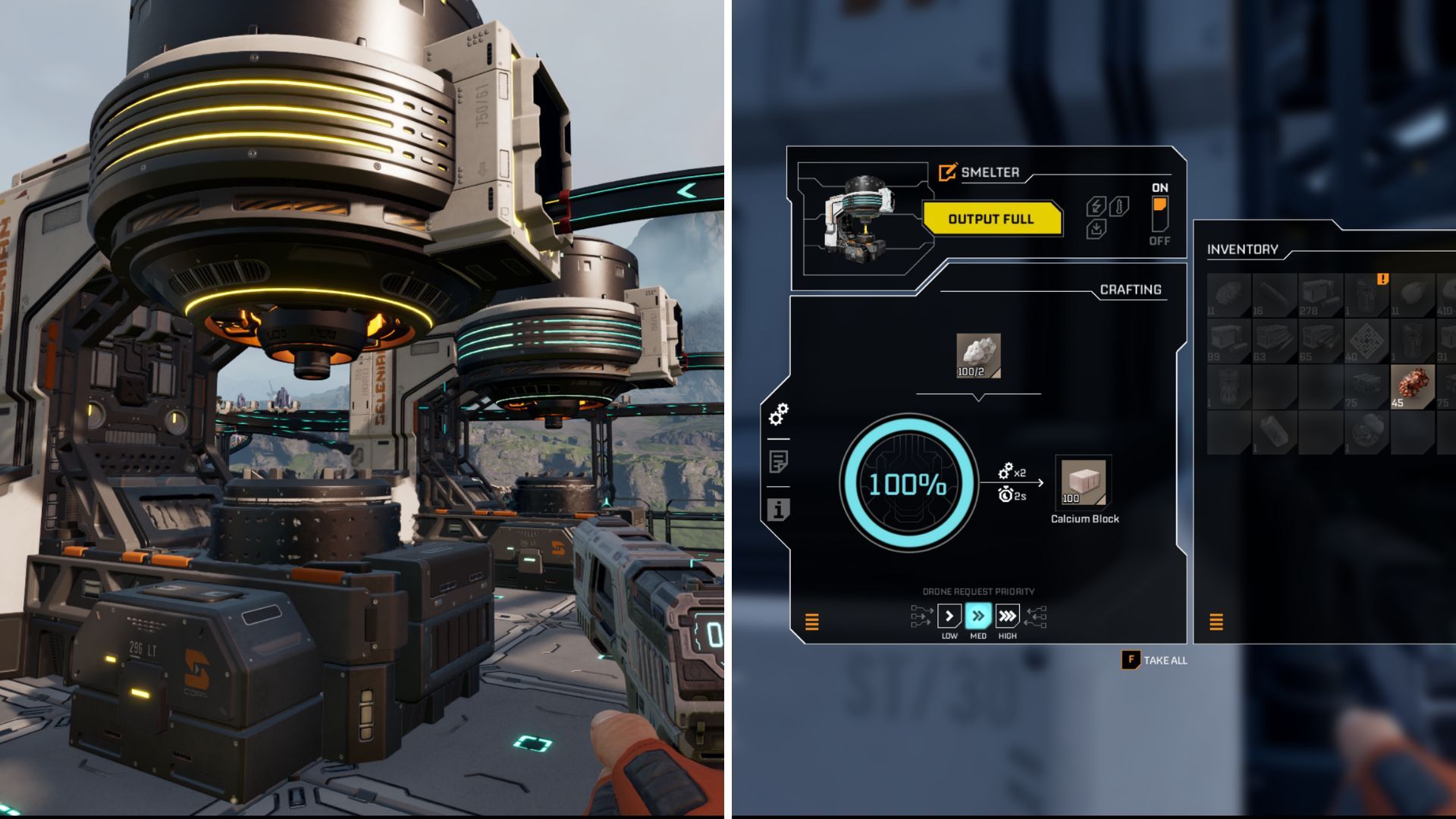
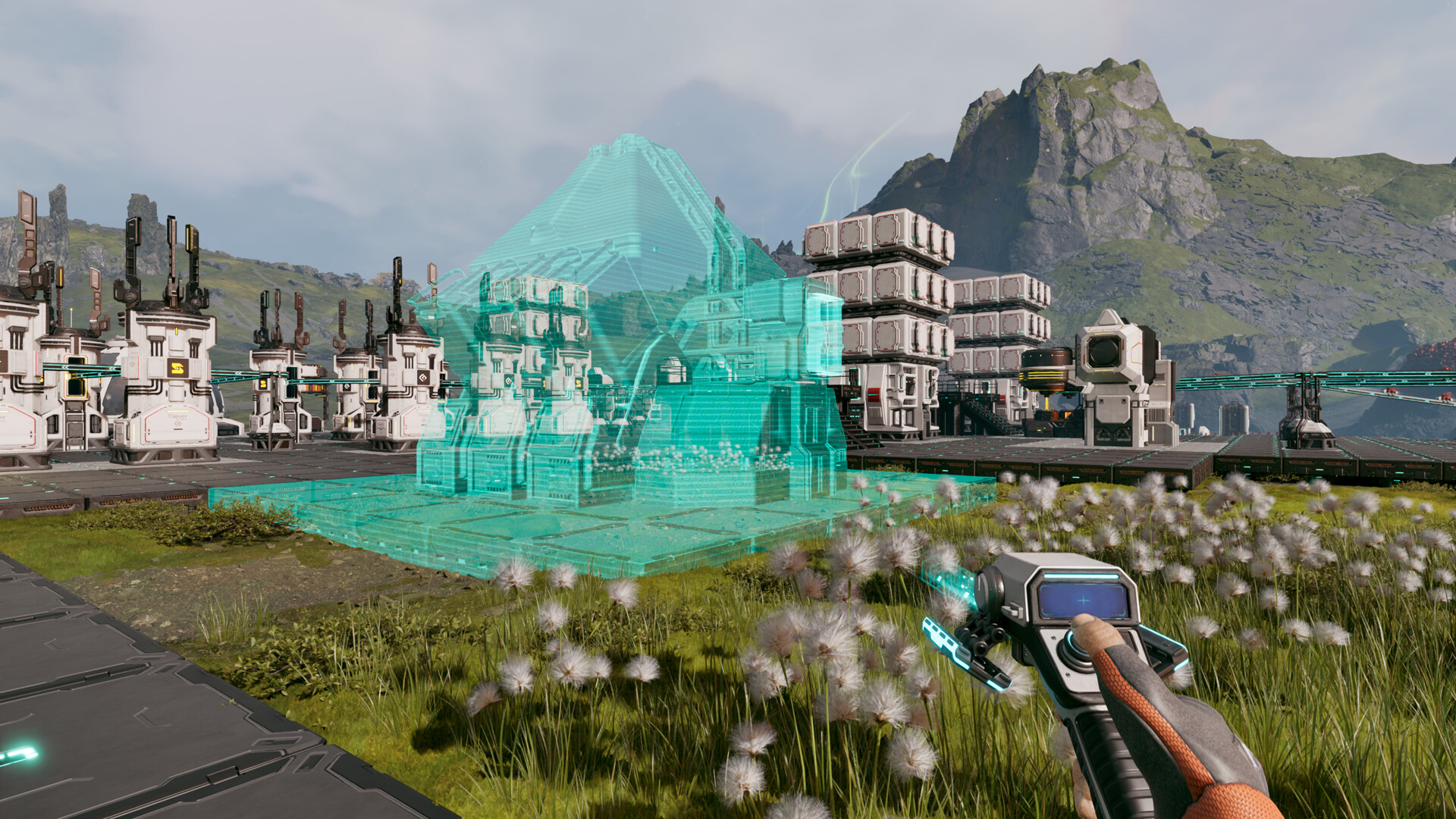
A key part of survival games like StarRupture is being able to build numerous buildings around your base that aid in your survival. In this instance, these buildings allow you to take basic materials like Calcium, Titanium, and Helium, and turn them into complex materials used for crafting high-end items to appease your corporate overlords.
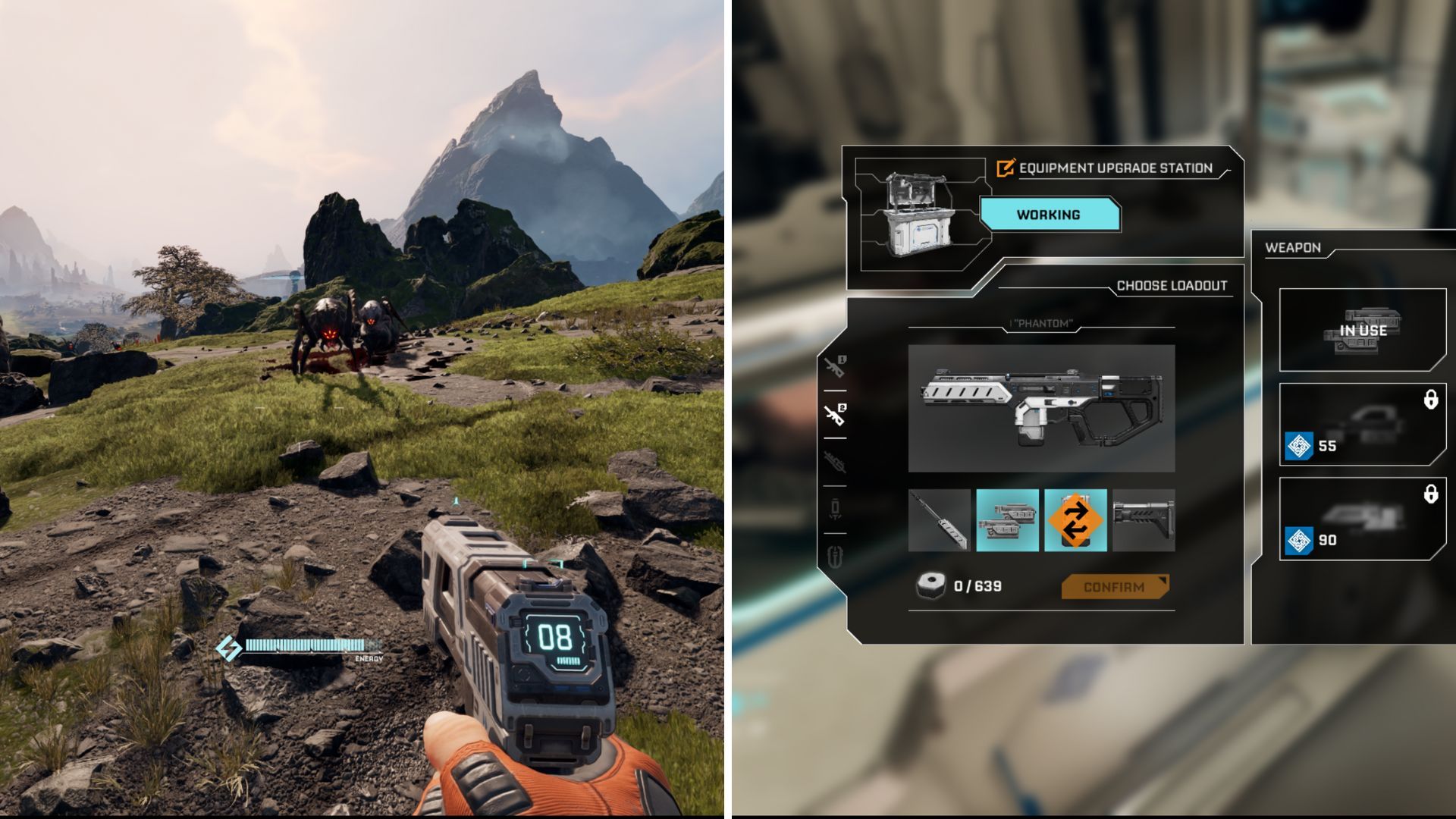
Since StarRupture is a survival game, you will want to get your hands on every resource in the game. This includes things like Calcium, Helium, Titanium, and Wolfram Ore. Unfortunately, these resources won't help you defend yourself.
One of the essential aspects of the endgame in StarRupture is cooking different food items, and Sulheart is required for several recipes.
On its own, Sulheart has no use. However, you'll need it for the preparation of different food items. Finding the resource is pretty tricky, and this guide will make your life easier.
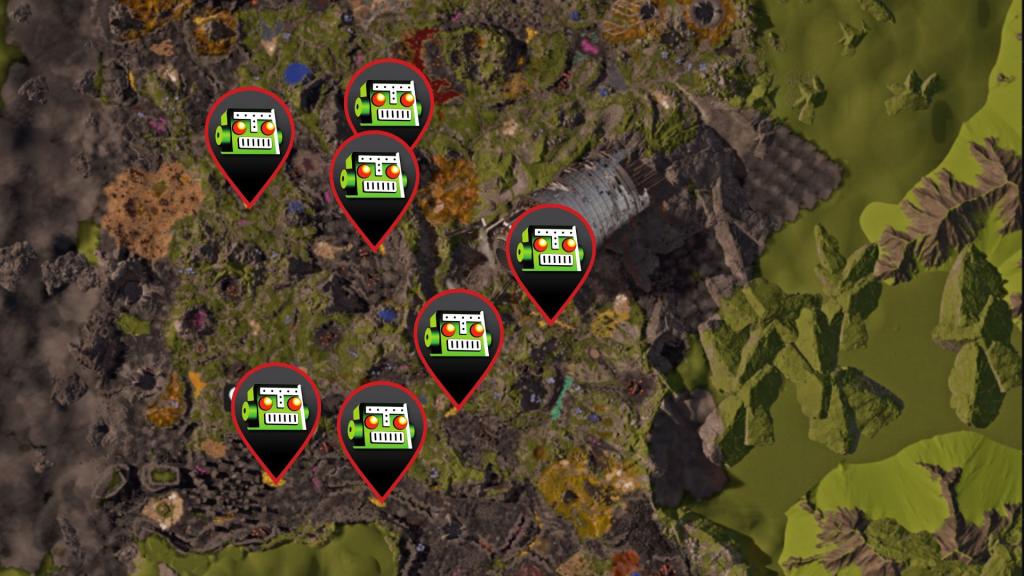
Sulheart is found in Sulfur fields spread across Arcadia-7, and you can farm both resources there. However, you'll need to be extremely careful.
Image via SRDB. Remix by Destructoid
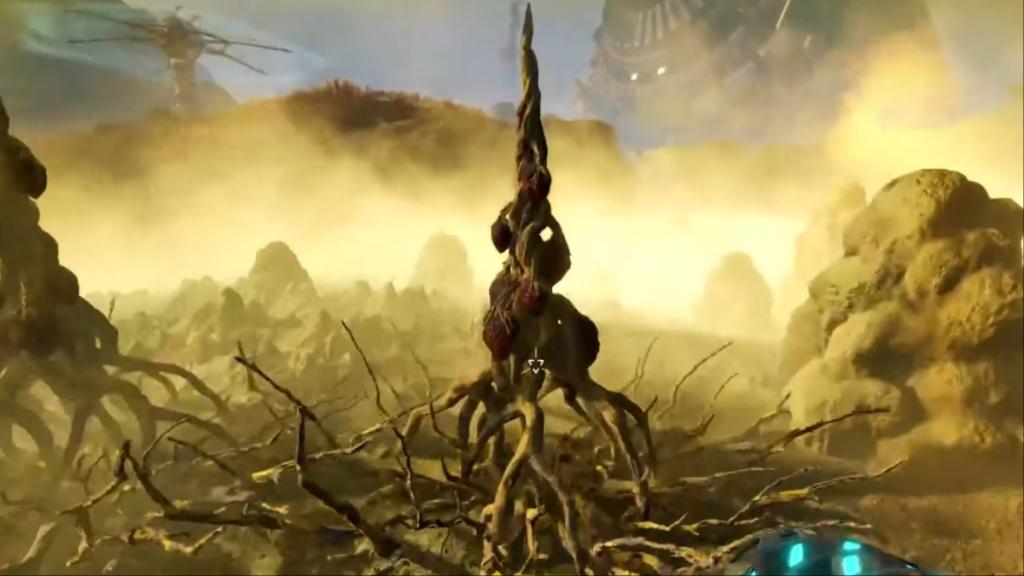
The air around Sulfur fields is highly toxic, and they're corrosive in nature. If you stay around it for a few seconds, your health will start to deplete. Staying in the air will kill you. One strategy is to wait for Ruptures, when the surrounding conditions will make it easier for you to obtain Sulheart. However, that's not reliable.
Screenshot by Destructoid
Instead, carry items that can heal you and also raise your corrosion resistance. You'll want to then run into the Sulfur fields, grab Sulheart, and jump out. If your health drops significantly, you'll want to restore it and repeat the process. Do so a few times, and you'll have the Sulheart you need.
All Sulheart recipes in StarRupture
The table below lists all cooking recipes that require Sulheart.
StarRupture's early access build has plenty of bugs in Arcadia-7, and I am not talking about software glitches.
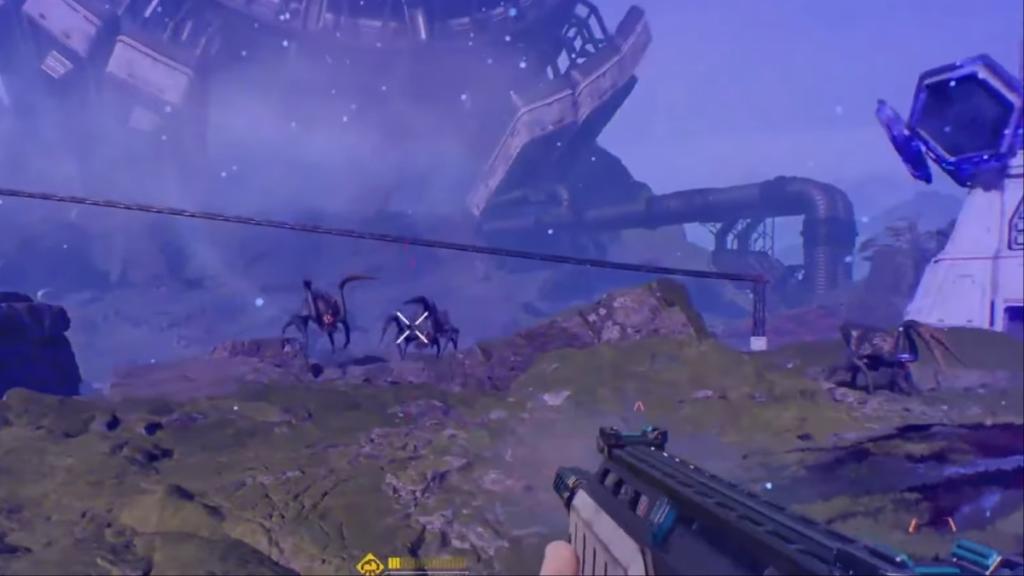
You're not alone on the alien planet, as various bugs will aim to make your life miserable. They will attack your base, and you'll also find them when traveling from one point to another. Thankfully, every type of bug you encounter has specific weaknesses that you can exploit.
While all enemies currently available in StarRupture are bugs of some kind, they come in different shapes and sizes and require different approaches to handle. Most of them will appear in swarms, making it harder for you to take them down. All species come in different sizes, and most of them have separate movement speeds and attack patterns.
Flinger
Image via Creepy Jar
These are one of the nastiest bug types as they can attack you from a distance. You'll first need to keep track of the source of the blob that they shoot at you. Dodge the blob, and close the distance as much as you can.
They're really squishy, and a few bullets will usually take care of them. Try to have a steady aim since they move a lot. Once you're close, Flingers are pretty easy to take down. They're more dangerous when they appear in swarms.
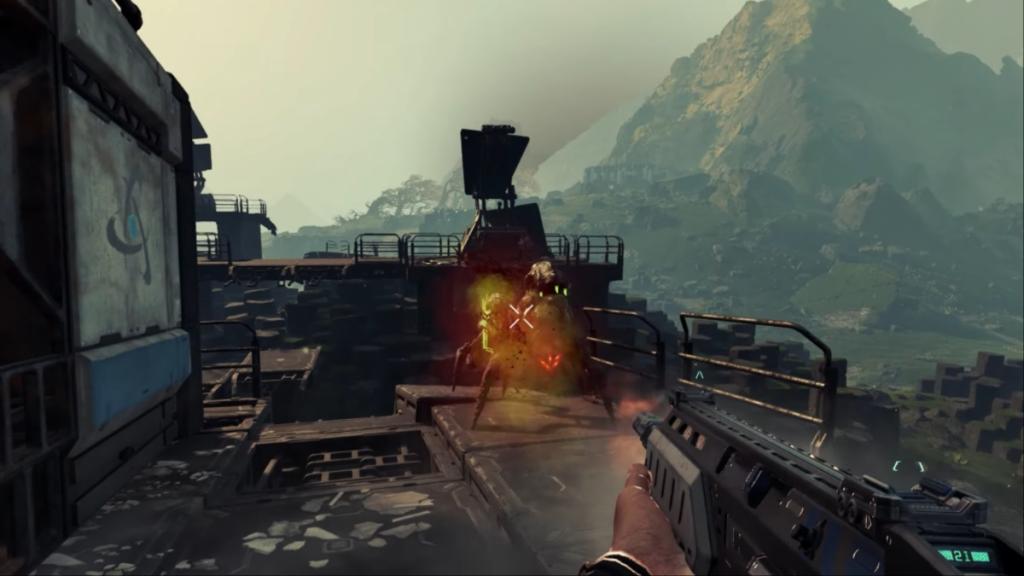
Slashers
Screenshot by Destructoid
Slashers are aggressive bugs that resemble larger black-widows. They move rapidly and jump at you from a distance. An effective method is to dodge the jumps as much as you can.
Their mouth is their weak spot, but it can be tough to aim when you also have to dodge the attacks. If they latch onto you, they will deal plenty of damage. Hence, maintaining distance is paramount. Thankfully, their outer armors aren't the best.
Younger Slashers
Similar to Slashers but younger in age. They are smaller in size and have a grey trim around their bodies. You can shoot them as they're easy to take down.
Exploder
Screenshot by Destructoid
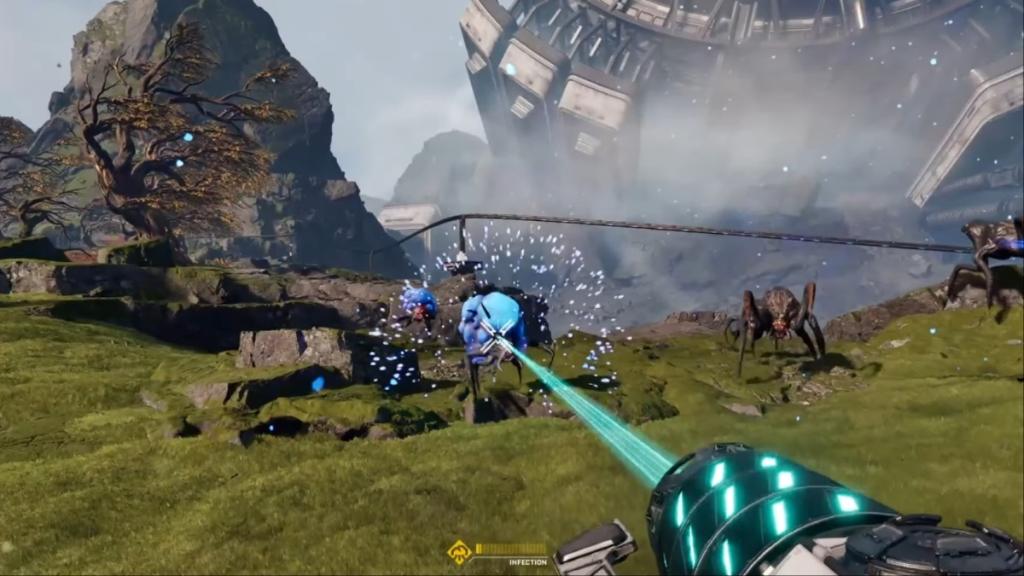
These blue bugs have growing sacs that ultimately explode to deal plenty of damage. The explosion also stops your shields from working. You can guess when they're about to attack, as their sac will start glowing.
The first task is to stay away from the range of the explosion. If that's not possible, move out of the explosion's immediate radius. To take down the bugs, shoot the sac, but also maintain distance.
Spitter
Screenshot by Destructoid
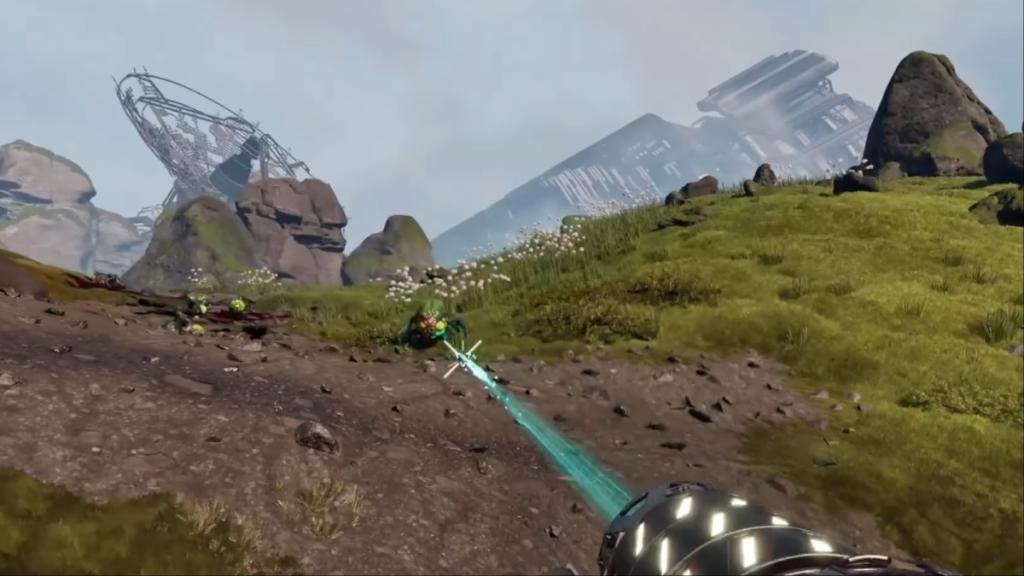
Like Exploders, Spitters also have sacs, but green in color. Instead of exploding, the sacs grow, and the bug will spit the green matter on you. Be on the move to avoid the attack, and keep shooting at the sac.
Additionally, you can also come across the Goliath, which is the hardest enemy. A separate guide for it is in work. You can find it in areas with rare loot, like the Redleaf keycard spawn locations.
StarRupture is attracting plenty of attention from PC gamers since its early access debut, and many have been wondering about a potential console launch.
After all, StarRupture's built-in gameplay system appears to be quite feasible on a console, as most of its controls can be adapted to a controller. While the survival-slash-factory builder game isn't available on consoles at the time of writing, it could eventually arrive on Xbox and PlayStation.
StarRupture PS5 and Xbox Series X|S release explained
As of writing, there's no official confirmation on when, and if, we will have a console launch. However, we should eventually be able to play StarRupture on consoles. The game is developed and published by Creepy Jar, and some of their earlier titles, like Green Hell, were released on PC first and arrived on consoles later.
Moreover, StarRupture has also been released on early access. Games that launch this way tend to be PC-exclusive at first. Even bigger titles like Baldur's Gate 3 have followed the same pattern. It's almost certain that StarRupture, if it arrives on consoles, will do so after the end of the early access period has wrapped up.
Image via Creepy Jar
The game is expected to remain in early access for about a year. If Creepy Jar stays holds anticipated timeline, we could expect a console port in the early months of 2027, meaning it's doubtful that there will be a console port on old-gen, but this is speculation.
We should be getting more information down the line once StarRupture receives a few updates as part of the early access. For now, your only option to access Arcadia-7 is by having a PC that meets the requirements.
Having multiple bases in StarRupture is essential as you march on to access the Forgotten Engine, but they can also be taken away from you.
Once you have several bases, it's impossible to keep track of all of them. When aliens attack your base, and you can't protect it, the core gets infected. Thankfully, you can also fix infected base cores by repairing them.
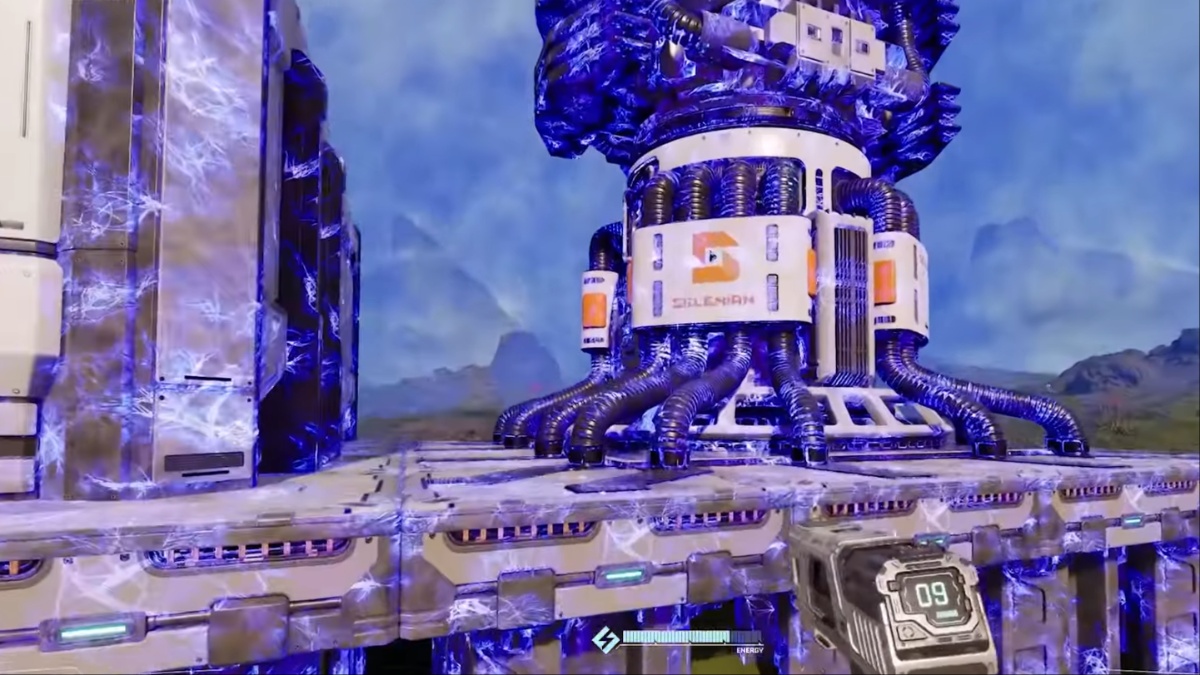
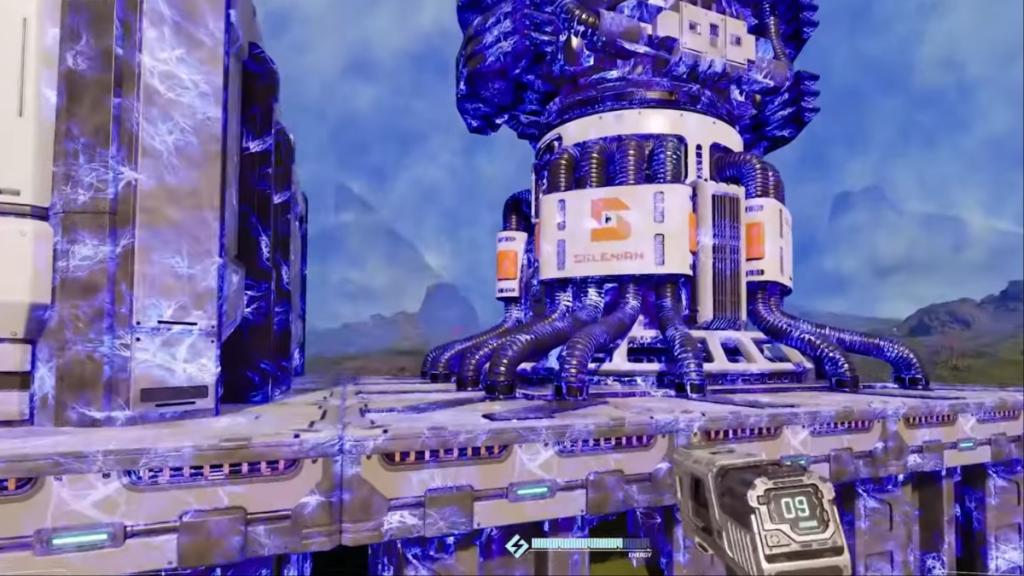
To begin the process, you'll first have to identify the infected base core. This part is pretty easy since an infected base core will have a blue glow. The confusing part is that both the infection and the base core will appear identical.
Screenshot by Destructoid
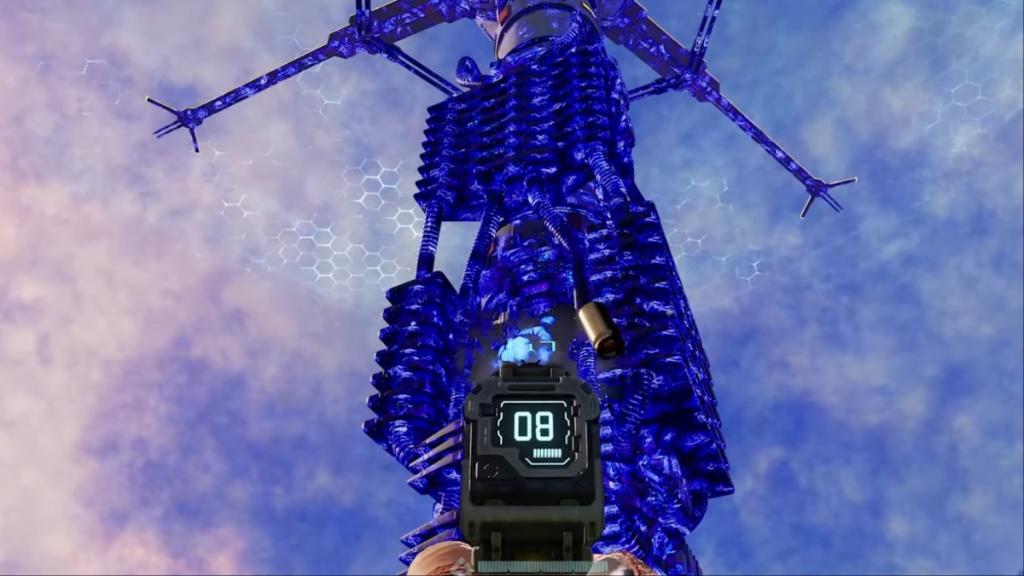
Once you spot the infection, shoot at it until it's destroyed. I have yet to find an infected core with multiple infections on it. However, an infected core can have multiple infections (in theory). If that happens, you'll have to clear all the infections to restore your base.
Screenshot by Destructoid
Once the infection is clear, your base and all its parts will start to heal. Once they've healed completely, the base will resume its normal operations, and it will no longer have the blue appearance. Press the E button after approaching the base to complete the eradication process.
How to prevent infected base cores in StarRupture
Once you've removed the infection from a base, it can again get infected. Aliens will respawn and continue attacking it. If you can't defend your base while it's being attacked, it will become infected once again.
The only viable way to protect a base is by setting up automated defense systems. Once you upgrade the Griffits Blue Corporation, it will unlock the Defense Tower and the Defense Turret. While the Defense Turret is easier to build, it requires manual ammo refills. The Defense Tower is the only fully automated system that doesn't require any manual refills. Try to set them up in all your bases, unless you want to remove the infections manually (it becomes a chore after a certain point).
StarRupture becomes a different proposition when you're aiming to survive Arcadia-7 together with your buddies.
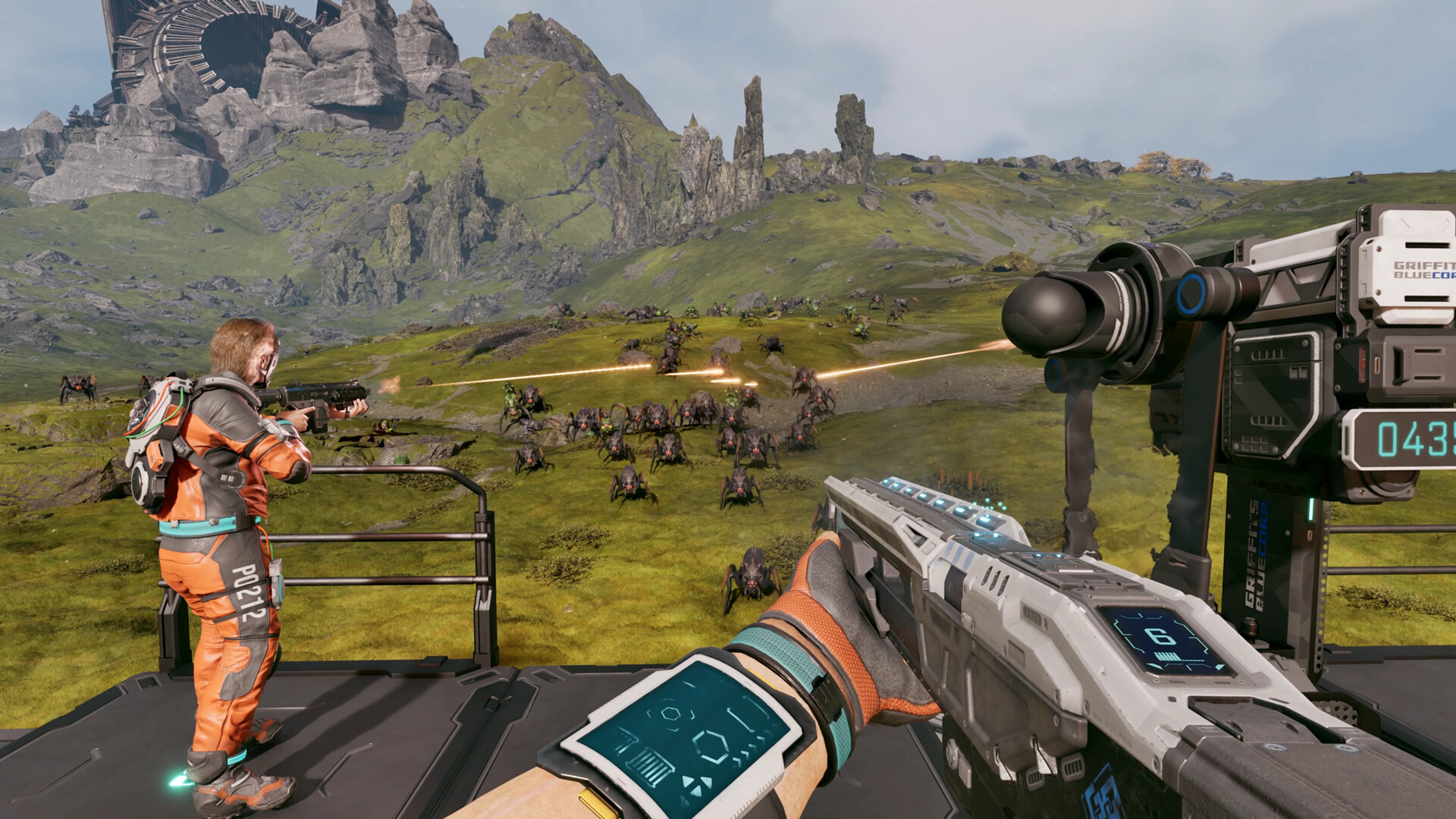
The current system of the early access build allows you to play in co-op lobbies of up to four players (including yourself). The multiplayer relies on the classic 'host-based' gameplay, but Creepy Jar has added a modern twist.
To play in co-op, one group member must be the host. The host is the person who creates the main world and sets up the game. Being the host doesn't have any in-game advantage, so you can relax on that part. Once they have created the save, the host has to choose between 'Friends Only' or 'Invite Only'.
The first option requires the host to manually invite every player to a session. The second option removes that requirement, but the other players must be on the host's Steam friend list. To invite a player, the host will have to open the menu. By pressing on the empty slots, they can invite other players via Steam.
Image via Creepy Jar
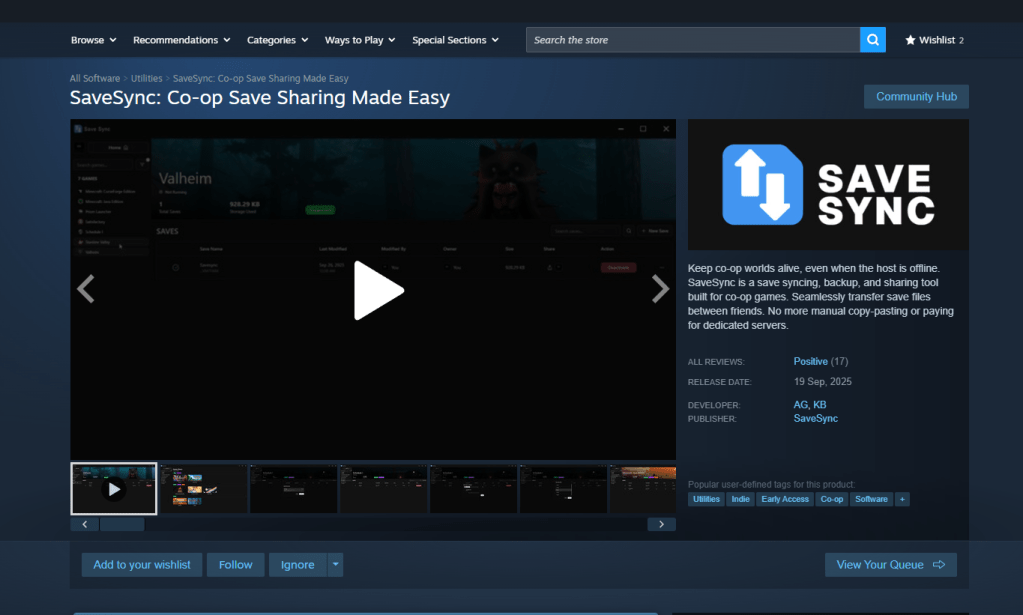
Once the other players have accepted the invite, they will be able to play together with the host. Usually, the host leaving the game would have meant the server shutting down. That can be prevented with the use of SaveSync (this is a third-party application that currently supports StarRupture and plenty of other co-op games).
How to use SaveSync in StarRupture
To use the software, both the host and other members in the group will need to own the software. SaveSync can be purchased and installed directly from Steam. Once done, you'll have to open the app and click New Save after selecting StarRupture. All the available saved sessions will appear. Pick one and click Create Save.
Screenshot by Destructoid
The process above has to be done by the host. Once the sync is complete, there will be a green tick. The host can now share the save with the rest of the group. To join, you'll have to open the SaveSync app. The shared file will appear automatically in your list of saves when you pick StarRupture. Choose Activate after selecting the saved file to make it available. Once done, you'll be able to play in the same co-op world irrespective of the host's presence.
No Man's Sky offers a lot - to dive deep into all of its systems and gameplay experiences requires more hours in the day than most have to spare. It's huge, captivating, and constantly adding more to its seemingly infinite sandbox. It is, without question, one of the best space games ever. But for those who are time-strapped, how about a more condensed, focused space survival experience that, in true Satisfactory fashion, weaves in miles of hypnotizing supply lines? That's exactly what StarRupture offers, and it's just arrived in Steam Early Access.
As the Bob Dylan song goes, how many lush alien planets must a Man presumptuously land on and turn into poorly optimised Toyota plants before he finally decides he’s sick of being an extractivist piece of shit? Dylan was being rhetorical, but I studied at the school of Homer Simpson, and want you to give me an actual figure. I’m going to say: four and a half. If you’ve yet to hit your personal quota, well, here’s StarRupture out now in early access.