Zobrazení pro čtení

🌌 From the Commonwealth to the Stars: A Tale of the Reformed Institute

🌌 From the Commonwealth to the Stars: A Tale of the Reformed Institute

Prologue: The Sole Survivor’s Choice (2287)

The wind howled across the ruined streets of Boston. Radiation still seeped from the fissures of the old world, and yet life clung stubbornly to the cracked asphalt. You, the Sole Survivor, stood atop the Institute’s tower, looking down at a city that had long forgotten hope.

For decades, the Institute had been humanity’s shadow: kidnappings, secret replacements, and cold experiments hidden beneath layers of technology. But now, as its new Director, you could change everything.

“No more hiding. No more taking. No more fear,” you muttered, feeling the weight of centuries of potential resting on your shoulders.

Synths approached, curious, wary — the first of their kind granted true autonomy. And in the deepest labs, scientists turned to you, some doubtful, others hesitant. The path ahead would be long, and dangerous.


Chapter 1: Seeds of Integration (2287–2310)

At first, progress was fragile. The Railroad watched suspiciously. The Brotherhood patrolled overhead, their iron fists poised for judgment. Settlers whispered fears in the streets.

But small victories grew. Synth-human unions produced the first hybrids — children with minds sharper than humans, bodies resilient to radiation, and the faint glow of promise in their eyes. Ghouls stabilized under Institute care, finding purpose rather than persecution. Even super mutants learned to temper their aggression with guidance.

The Commonwealth began to hum with life again, as old wounds slowly stitched themselves together. It was a fragile hope, but hope nonetheless.


Chapter 2: A New Civilization (2310–2400)

Decades passed. The Commonwealth transformed. Cities rose from the ashes. Hybrids became a cultural force, their existence bridging humanity and technology. Settlers learned to trust synths, and mutants and ghouls found their place in society.

The Institute shared its knowledge openly: medical breakthroughs, radiation-safe crops, and clean water systems. Ethical science became the foundation of governance.

Then, the eyes of humanity turned skyward. Star charts, cryogenic experiments, and spaceship prototypes filled the labs. The once-feared Institute was now the architect of humanity’s survival — not just in the wasteland, but in the stars themselves.


Chapter 3: Preparing to Leave (2400–2450)

Earth was healing, but slowly. Climate instability, lingering radiation, and centuries of neglect left large swaths of the planet uninhabitable. The ethical choice became unavoidable: leave or perish.

Debates raged across the Commonwealth. Extremists argued that humanity’s soul was tied to Earth. The hybrids, synths, and ethical humans argued for survival among the stars. Your reforms now reached beyond the surface — they became a blueprint for civilization itself.

Starships were built. Terraforming research commenced. Humanity would not repeat the mistakes of the past.


Chapter 4: Exodus (2450–2500)

The first generation of ships lifted from the Commonwealth, carrying humans, hybrids, synths, ghouls, and stabilized mutants. Families waved from settlement walls as the last engines roared skyward.

The Sole Survivor’s vision had endured: a society built on ethics, cooperation, and foresight. Earth remained as a caretaker planet for a few, but the stars awaited humanity’s next chapter.


Epilogue: Among the Stars (2600+)

Centuries later, Earth was barren — a silent testament to the choices of the past. Cities lay in ruins, oceans reclaimed their course, and radiation painted the scars of old wars across continents.

Above, humanity thrived. Hybrids led colonies on distant planets, their intelligence and resilience shaping new societies. Synths administered vast networks of interstellar infrastructure. Ghouls and mutants found niches where their strength and adaptability were assets, not liabilities.

In the quiet of orbit, one could still imagine the Commonwealth — its rebuilt settlements, its gardens of radiation-resistant crops, its streets where synths and humans once walked side by side. The choices of one survivor had echoed across centuries, turning a shattered Earth into the cradle of a multi-species civilization.

And somewhere among the stars, the legacy of the Sole Survivor lived on, a whisper across light-years:

“Even from the ashes, we rise. Even from a broken world, we reach the stars.”

  •  

Fallout 4: How To Join The Brotherhood of Steel

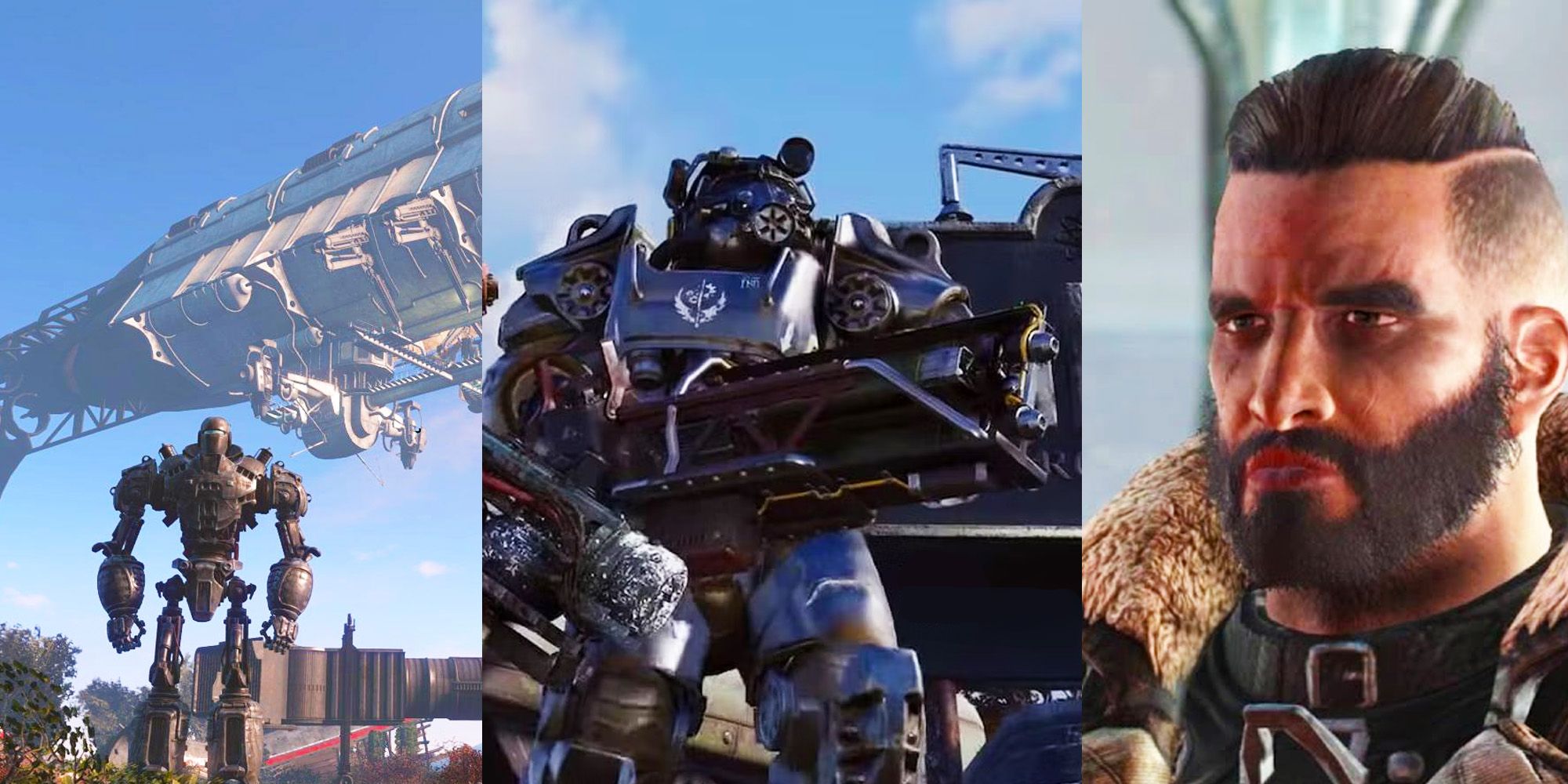
The Brotherhood of Steel are arguably the most iconic faction in the Fallout franchise. Donning the famous T-series Power Armor and laser weaponry, they are one of the strongest forces in post-war America, and one of the central factions in Fallout 4. Players will get the opportunity to not only help the Brotherhood on certain missions, but even have the option to join them, ascend their ranks and side with them when it comes to deciding the ultimate fate of the Commonwealth at the main questline's conclusion.

  •  

Fallout 4: How to Wait to Pass the Time

Time flows exactly how you think it does in Fallout 4, and while it's normally a non-issue, you may need to be in certain in-game time windows if you want to make progress with certain quests (or if you just want to skip the days/nights away). Thankfully, like in Bethesda's other RPGs, players can skip time in Fallout 4 whenever they want, provided they aren't getting mauled or shot at, and that there's an actual resting place nearby.

  •  

Fallout 4, New Vegas player numbers skyrocket thanks to the unavoidable impact of Fallout Season 2

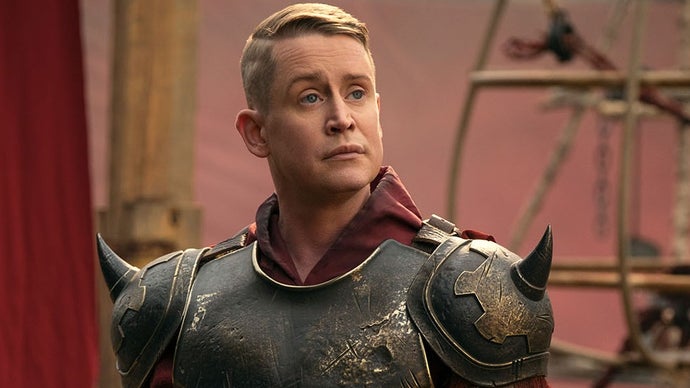
If you haven't been watching, Fallout Season 2 is pretty great and has been enjoying a good deal of success. So much so that Season 3 is already well into the writing stage. New games are sadly still a ways off, however, which is why both veteran and new players are flocking to Fallout 4 and other entries to go post-apocalyptic.

Read more

  •  

Fallout season 2 is fuelling another Steam player bump, as folks once again remember they like Fallout

While it hasn't taken as commanding a stranglehold over the world's collective consciousness as its debut series did, the second helping of Amazon's Fallout TV show is succeeding in helping drive a number of extra Steam players back to the wasteland. That said, a number of said wastelands being heavily discounted as part of the platform's recently concluded winter sale likely hasn't hindered those efforts.

Read more

  •  

Fallout: London's next DLC, Last Orders, will be served up early this year if current pint-pulling plans hold

It's a new year, and Fallout: London developers Team FOLON have kicked it off by revealing that the massive Fallout 4 mod's second DLC is currently planned to rock up in the irradiated tube station of our lives pretty soon. This add-on's dubbed Last Orders and looks to have at least something to do with a trip to the pub.

To be fair, that makes perfect sense. Fallout: London's first DLC was dubbed Rabbit and Pork, so following up last year's meal of new quests with a drink is only human.

Read more

  •  

Fallout 4 November patch detailed, console players need to take action for mods

Bethesda has revealed the details for the Fallout 4 November patch, which adds a brand new Varmint Rifle and fixes for various issues causing crashes. However, the November patch will not bring the mod storage expansion for consoles as planned. But, console players need to be aware that when this update is released in December it will reset the mod load order, so action needs to be taken.

If you are playing Fallout 4 on consoles and using mods, these are the steps to take to make sure your load order is not impacted.

  1. Navigate to the Creations Menu and select the Load Order Menu by selecting the option listed at the bottom of the screen.
  2. At the bottom of the Load Order Menu screen, select “Load Order Archive.”
  3. Select “Save Load Order to Bethesda.net.”
  4. Select “Yes” to confirm.
  5. You should receive a message confirming the current load order has been saved to Bethesda.net
  6. Exit the menu and allow the game to reload your data files. The game will confirm your load order has changed, indicating the process is complete!

And here are the Fallout 4 November patch notes:

Crash and Stability Fixes 

  • Fixed crash when starting a new game with Creations installed on PS4. 
  • Fixed crash when quitting after exiting an interior with Pip-Boy open (PS4/PS5). 
  • Guest/local users can no longer access the Creations menu, which resulted in an inoperable state 
  • Addressed rare crashes when choosing to use the save data load order, especially when loading saves with missing Creations. 
  • Fixed a crash that could occur when selecting ‘Purchase Credits’ on PC 
  • Fixed a crash when selecting “Download all owned Creation Club Creations” 

 Save/Load & Profile 

  • Exit saves are now correctly created when exiting to the main menu 
  • Fixed infinite loading when downloading missing Creation Club content from a save made on a different platform. 
  • Switching Xbox user profiles no longer causes softlocks or loss of controls. 
  • Fixed an issue where loading a save file with different creations enabled did not prompt a load order warning 
  • Downloading a creation and disabling it immediately, will no longer cause content that relies on it to become permanently disabled 

UI & User Experience 

  • Performance improvements in the Creations menu across platforms. 
  • Fixed softlocking when entering/exiting the Creations menu repeatedly. 
  • Fixed infinite loading/hang when loading a save file that requires creations.  
  • Bundle prices now update immediately after purchasing individual items in the bundle. 
  • Bundles now show correct file sizes for included creations. 
  • Localization improvements. 
  • In-game Creations menu now respects the load order set by the player, not alphabetical order. 
  • Players can now like/unlike creations in the Load Order menu as intended. 
  • Guest/local users can no longer access the Creations menu; option is now greyed out as on PS4. 
  • Downloaded Creations will now remain visible in your Load Order after deletion from BethesdaNet

Source: Bethesda/Steam

  •  

Fallout 4's anniversary update "didn’t quite land with the impact many hoped for", so Nexus Mods have assembled their own

It's fair to say Fallout 4's anniversary update's earned some stick due to effect it had on PC mods, just like the RPG's next-gen update did before it. Lots of works needed updating, and while that happened pretty quickly in a number of cases, there was still disruption for some additions that generally feel a lot more necessary over on console.

Enter modding platform Nexus Mods, who've decided to follow-up the update by putting together their own "anniversary collection" of Fallout 4 mods from the works they host, with hopes it'll serve as a free alternative aimed at celebrating ten years of the RPG being modded.

Read more

  •  

Fallout 4 November patch detailed, console players need to take action for mods

Bethesda has revealed the details for the Fallout 4 November patch, which adds a brand new Varmint Rifle and fixes for various issues causing crashes. However, the November patch will not bring the mod storage expansion for consoles as planned. But, console players need to be aware that when this update is released in December it will reset the mod load order, so action needs to be taken.

If you are playing Fallout 4 on consoles and using mods, these are the steps to take to make sure your load order is not impacted.

  1. Navigate to the Creations Menu and select the Load Order Menu by selecting the option listed at the bottom of the screen.
  2. At the bottom of the Load Order Menu screen, select “Load Order Archive.”
  3. Select “Save Load Order to Bethesda.net.”
  4. Select “Yes” to confirm.
  5. You should receive a message confirming the current load order has been saved to Bethesda.net
  6. Exit the menu and allow the game to reload your data files. The game will confirm your load order has changed, indicating the process is complete!

And here are the Fallout 4 November patch notes:

Crash and Stability Fixes 

  • Fixed crash when starting a new game with Creations installed on PS4. 
  • Fixed crash when quitting after exiting an interior with Pip-Boy open (PS4/PS5). 
  • Guest/local users can no longer access the Creations menu, which resulted in an inoperable state 
  • Addressed rare crashes when choosing to use the save data load order, especially when loading saves with missing Creations. 
  • Fixed a crash that could occur when selecting ‘Purchase Credits’ on PC 
  • Fixed a crash when selecting “Download all owned Creation Club Creations” 

 Save/Load & Profile 

  • Exit saves are now correctly created when exiting to the main menu 
  • Fixed infinite loading when downloading missing Creation Club content from a save made on a different platform. 
  • Switching Xbox user profiles no longer causes softlocks or loss of controls. 
  • Fixed an issue where loading a save file with different creations enabled did not prompt a load order warning 
  • Downloading a creation and disabling it immediately, will no longer cause content that relies on it to become permanently disabled 

UI & User Experience 

  • Performance improvements in the Creations menu across platforms. 
  • Fixed softlocking when entering/exiting the Creations menu repeatedly. 
  • Fixed infinite loading/hang when loading a save file that requires creations.  
  • Bundle prices now update immediately after purchasing individual items in the bundle. 
  • Bundles now show correct file sizes for included creations. 
  • Localization improvements. 
  • In-game Creations menu now respects the load order set by the player, not alphabetical order. 
  • Players can now like/unlike creations in the Load Order menu as intended. 
  • Guest/local users can no longer access the Creations menu; option is now greyed out as on PS4. 
  • Downloaded Creations will now remain visible in your Load Order after deletion from BethesdaNet

Source: Bethesda/Steam

  •