We've certainly had some impressive games this week and when Langford Productions told us about their new platformer remake called 'REX' which was released via itch io, it was another game to add to our awesome list. You see Rex wasn't just an awesome platformer released in the late 80's for the Amstrad and ZX Spectrum, but this is a rather awesome remake that the creator says he is particularly
First Person Dungeon Crawlers have a huge fan base on Indie Retro News, so many of us love games such as Dungeon Master, Eye of the Beholder and my personal favorite Ishar. Well here we are with another special announcement especially if you love dungeon crawlers, as Rake in Grass has not only shown off some new footage for the work in progress PC game of Underkeep, but there's also a new demo
Ask anyone who's played Dark Castle back in the 80's on systems such as an Amiga or a Mega Drive, and they'd probably tell you that it was a very frustrating platformer with one of the most annoying character controls in a classic game. But ask anyone who's played it on a Macintosh however, and it would be given high praise for sound and graphics, with some even saying they didn't know the
If you remember playing the comical puzzlers of Gobliiins, Gobliins 2: The Prince Buffoon, Goblins 3 and then the 3D variant of Gobliiins 4, which had its first release as Gobliiins back in the 90's. Then you are going to love this! As we have been informed that as of right now, you can download and play the latest release of GOBLiiNS6 - The Prince Buffoon - The Madmen of the Year 1000. 
Welcome to Next Week on Xbox! In this weekly feature we cover all the games coming soon to Xbox Series X|S, Xbox One, Xbox on PC, and Game Pass! Get more details on these upcoming games below and click their profiles for further info (release dates subject to change). Let’s jump in!
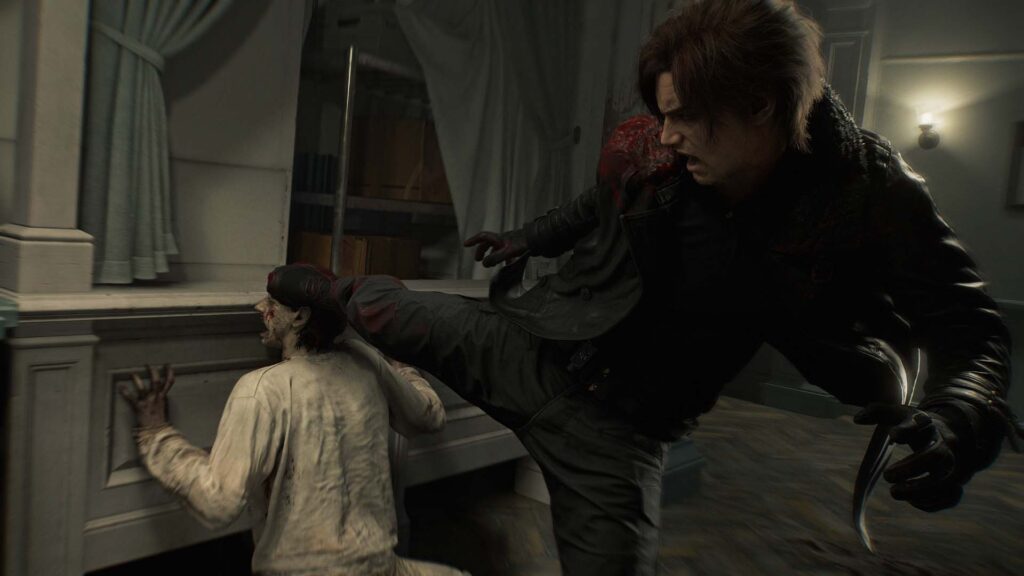
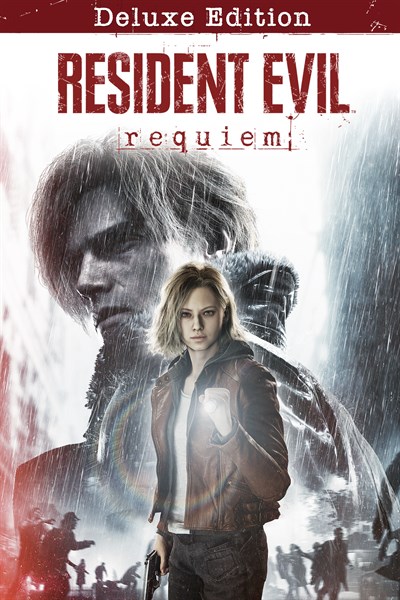
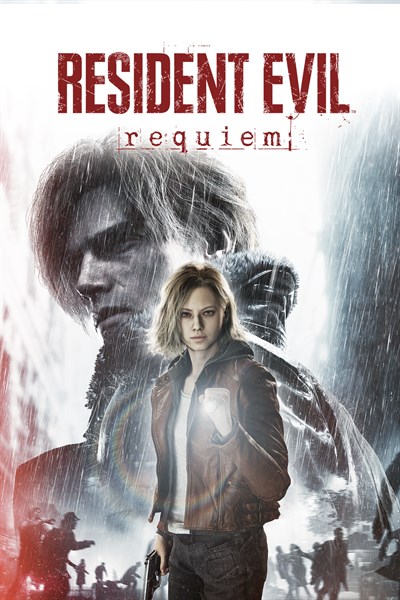
A new era of survival horror arrives with Resident Evil Requiem, the latest and most immersive entry yet in the iconic Resident Evil series. Experience terrifying survival horror with FBI analyst Grace Ashcroft, and dive into pulse-pounding action with legendary agent Leon S. Kennedy. Both of their journeys and unique gameplay styles intertwine into a heart-stopping, emotional experience that will chill you to your core.
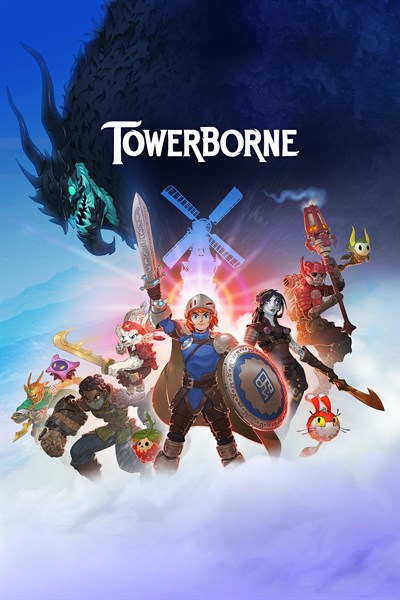
Towerborne is an exciting side-scrolling action RPG brawler. Rise again as an Ace, an immortal warrior reborn to defend the Belfry against the darkness beyond its walls. Journey across a crumbling world, uncover the mystery of the fallen City of Numbers, and push back the corruption threatening humanity’s survival.
Tales of Berseria Remastered Deluxe Edition Pre-Order
Engage in the ultimate quest for self-discovery, remastered for the first time. The sacred kingdom awaits the arrival of its savior, and a lone woman named Velvet is marked by traumatic deceit. Join Velvet on her journey for vengeance, along with her cast of eccentric companions, as they sail through the archipelago which comprises the kingdom of Midgand.
Bread & Fred is a challenging co-op platformer where two players must cooperate to jump and climb to the top of a snowy mountain. Play as both Bread and Fred in their exasperating and sometimes maddening climb that requires precision with every jump. Each time you land you’ll be closer to the peak and one step closer to mastering the platforming, but your fall down the mountain will be even farther.
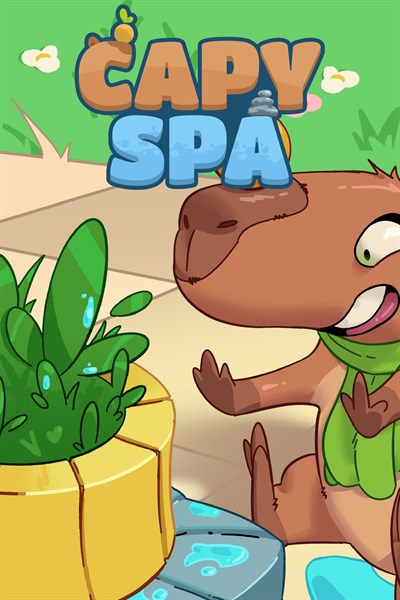
Grab your towels because the chillest capybara in gaming is ready for a soak! In Capy Spa, you help Pipa, a relaxation-loving capybara, push herb buckets into hot springs to prepare the perfect bath. With 30 carefully crafted levels, two charming biomes (Savanna River and Forest Onsen), and a soothing soundtrack that blends with the rising steam, every stage invites calm and thoughtful moves.
Emotional Damage Incoming! The most ridiculously epic Souls-like parody ever created meets outrageous humor in this absolutely insane action-RPG! You’re no chosen one – just a blacksmith with questionable bean-eating habits who accidentally gained ancient dragon powers. Now, you’re humanity’s last hope, and it’s time to show these evil corporations what REAL power smells like!
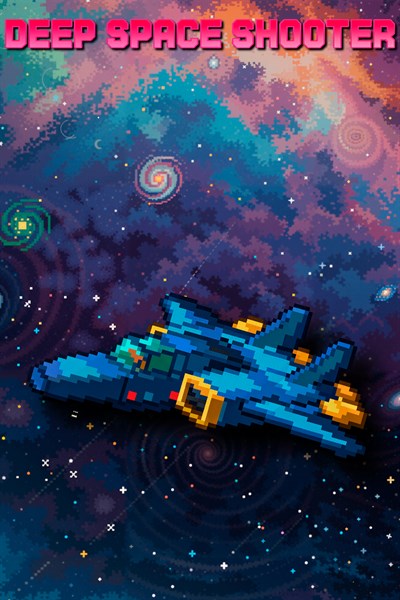
Again you are alone against the hordes of hostile spacecrafts where you can only rely on yourself. It is the victory or the death! An automatic station deep in space has sent an alarm signal and then the connection is disrupted. Your spaceship set off there to carry out reconnaissance. But all of the sudden you encounter huge forces of an unknown enemy. Now there’s no way back – you either defeat them or die. This game is a vertical scroll-shooter with numerous enemies and a gradually increasing level of complexity.
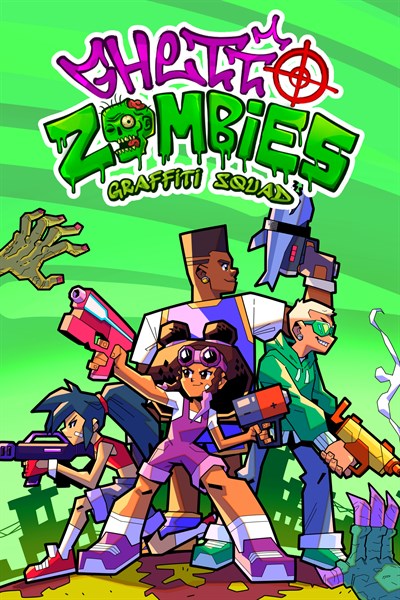
A squad of mutant kids from the hood is humanity’s last hope in this colorful, humor-packed zombie apocalypse. Blast freaky zombies with ridiculous guns, spray wild graffiti across the city, and face a monstrous Zombie Boss at the end of every mission. Each hero in the squad offers a unique playstyle: choose yours, dig the weirdest guns out of dumpsters, and enjoy the insane headshot animations.
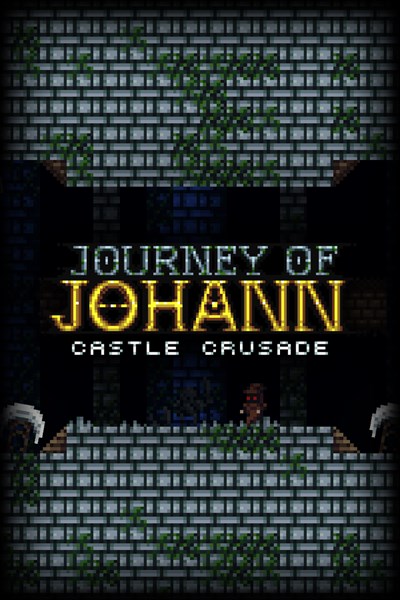
Journey of Johann is an action-adventure platformer with puzzle elements. Make your way through levels and a boss with different challenges and obstacles. Collect goblets and secrets and beat time trials. Use your weapons as tools such as climbing, blocking hits, and defeating enemies. The game was designed with speedrunning in mind.
Pogui – February 25 Optimized for Xbox Series X|S / Smart Delivery / Xbox Play Anywhere
Safely guide a lovable pup through crazy platforming stages so he can get back to his naptime! Pogui is just a little dog who wants to take a nap, but crazy stuff keeps happening around him! Guide the lovable pug through dreamlike worlds and help him get to bed. Pogui is a side-scrolling precision platformer presented in retro pixel art style. Run, jump and dash your way through colorful but hazardous levels!
UFOphilia is a first-person psychological horror game where you explore areas marked by alien phenomena. Use specialized equipment to detect, identify, and photograph aliens, but do so at your own risk… They are watching you too. Equipped with advanced tools, your mission is to detect, identify, and photograph extraterrestrials, each encounter involving unique behaviors and unpredictable dangers.
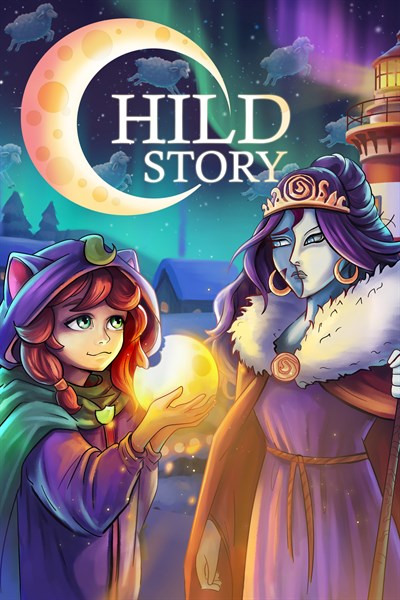
A small town in the far north goes about its life: preparing for the Festival of the New Star, decorating streets, celebrating. The festival is inseparable from a cycle that repeats month after month. And Sonya stands at its center. She’s part of a story she’s still trying to understand. A kind girl with a sharp mind and countless questions, she searches for answers among snow and lights. Sonya helps friends, makes new ones, explores hidden corners, fights spirits, and solves puzzles. She acts, hoping her actions will lead to understanding.
Buy cooking equipment, prepare delicious meals, and serve hungry customers. Upgrade your setup, read customer reviews, and expand your business to become the top fast-food joint in the city.
Golfing Over It with Alva Majo is a discouraging game about climbing a surreal mountain with a golf ball, a different take on 2017’s hit Getting Over It with Bennett Foddy. Experience the challenge of climbing an unyielding mountain without infuriating controls being part of that challenge. Bennett Foddy has played this game and granted it his blessing.
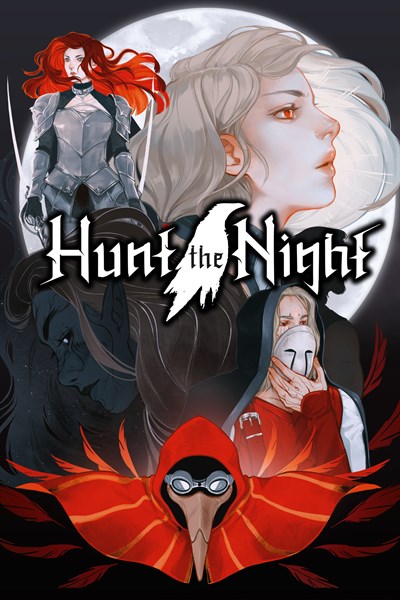
Hunt the Night is a retro-style action-RPG that blends fast, skillful combat with dark fantasy lore. Play as Vesper, a member of the Stalkers, and traverse the ruined world of Medhram on a mission to save humanity from a deadly cycle of annihilation. Endure nightmarish overworlds, slash through horrific dungeons, face brutal bosses, and wield an arsenal of powers in a relentless struggle against the Night itself.
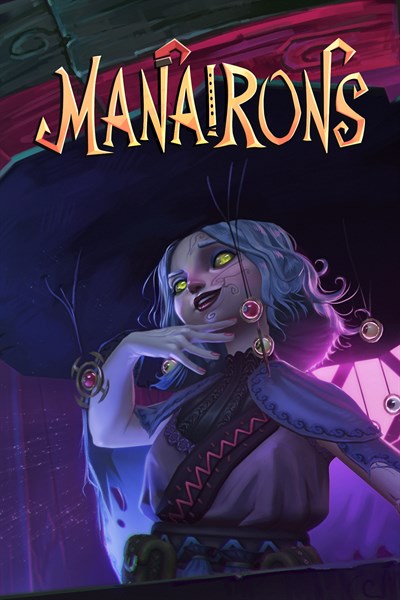
Unleash chaos, control magic, and save the village… with a flute. Manairons is a 3D action platformer game inspired by the legends of little creatures living in the Pyrenees. Help Nai face off against the landowner who has taken control of a charming village using the power of the “canut,” with magic, flute, and plenty of chaos.
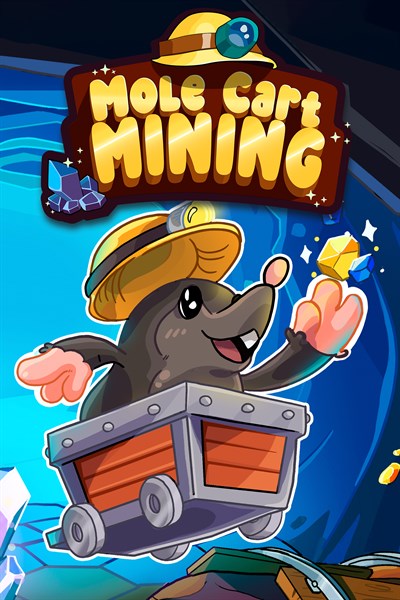
Get ready for an underground adventure full of charm and strategy! In Mole Cart Mining, you guide a determined little mole riding a mine cart while rotating tracks on a hexagonal grid to create the perfect route. The goal is simple and satisfying: collect every mineral and reach the exit in style.
No Sleep For Kaname Date – From AI: THE SOMNIUM FILES
Iris has been abducted by aliens?! Finding herself on board a mysterious UFO and tasked with completing a bizarre escape game, Iris knows there’s one person who she can always count on for help: Kaname Date, Psyncer! As Date, conduct investigations, solve escape game puzzles, and Psync into the dreams of potential suspects to help Iris escape and unravel the mystery behind The Third Eye Game!
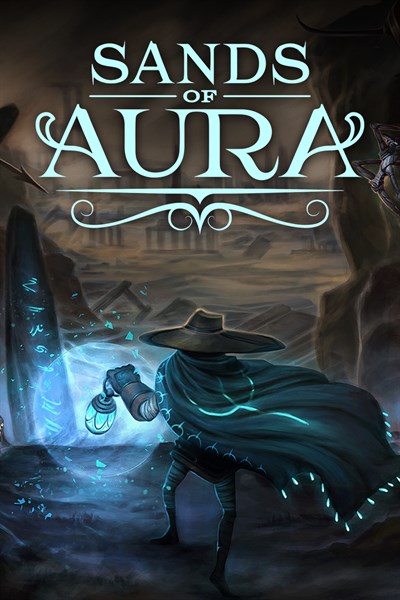
Sands of Aura is an open-world action adventure with a fantasy setting of a realm in its twilight–a world buried beneath a sea of sand. Sail across the sandseas to return life to a dying world in an unforgettable experience that is equal parts engaging story and unrelenting, souls-like combat.
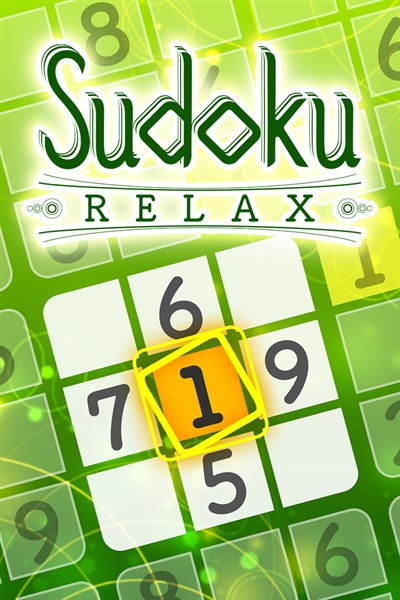
A total of 300 questions with easy, normal, and hard difficulties have been included. Complete problems to unlock background effects and BGM tracks. There are 3 background effects and 3 BGM tracks. Sudoku allows you to use your brain while also being soothed by the effects and BGM.
The gods of Olympus seek a mortal champion to fight against a rising darkness. Only those who endure their trials may be chosen. In Trials of Olympus, you journey through the realms of Ares, Artemis, Hades, Poseidon, and Zeus. Each god’s domain holds three great trials — vast platforming levels filled with traps, enemies, and divine essences to recover. You cannot fight, for no weapon is yet yours. Instead, rely on agility and wit.
What if you could freely choose another life? WorldNeverland – Elnea Kingdom is a sandbox life simulation game where you can move to a fictional kingdom you’ve always dreamed of and enjoy a carefree life. Why not weave a grand story spanning generations with your own hands?
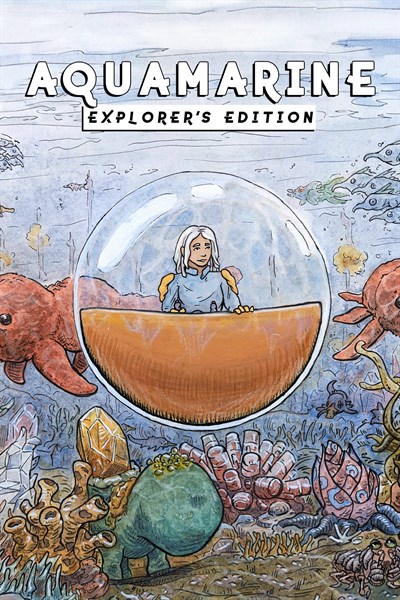
Aquamarine is a turn-based playable comic book about surviving in an alien ocean. Inspired by the psychedelic sci-fi of the ’70s & ’80s, Aquamarine combines the mystery of old-school adventure games and challenging roguelikes with elements of survival, exploration, and puzzle solving. Journey across a water world reclaimed by nature. Overcome survival and navigational challenges as you discover the planet’s lost history. Master your pod’s controls, study the ocean wildlife, and solve environmental puzzles to help you find your way home.
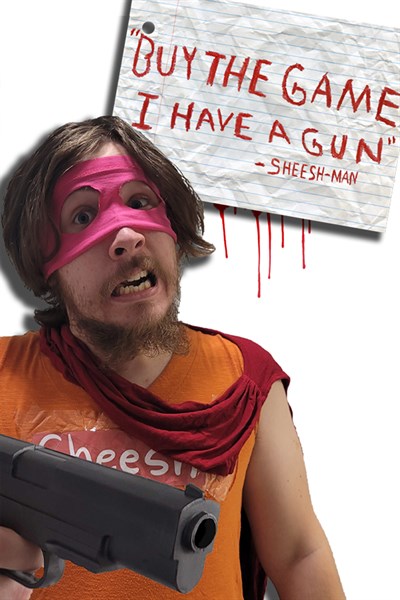
This game is worth every penny, and you should buy it right now, why? Firstly because the whole story was written during a livestream, which makes the story totally nonsensical! If this doesn’t convince you remember that not only do I have a gun, I also know all your secrets. This is of course a joke, I do not know your secrets, yet.
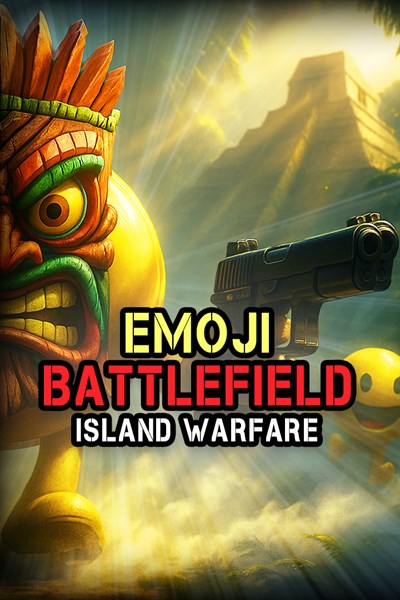
You’ve washed ashore on a mysterious island where ancient emojis have awakened — and they’re not happy to see you. This rogue-like first-person shooter throws you into wild, fast-paced combat against tiki emojis wearing carved masks and wielding primal powers. Before each run, customize your experience with crazy modifiers: make enemies bounce, wear funny hats, or unleash volcanic chaos for maximum challenge. Choose your arena — from overgrown jungles and hidden beach ruins to ancient temples filled with deadly traps — each location has its own hazards, secrets, and surprises.
Manage your mini racer car shop, sell mini cars and spare parts, and unleash your creativity with custom builds. Test drive your creations on the racetrack before putting them up for sale. Transform your shop into a haven for mini car enthusiasts and build a thriving business in the process!
Showcase your style and become a supermodel in one of the best shopping games! No matter what your fashion style may be, this shopping mall has exactly what you’re looking for! Get a fabulous new hairstyle at your favorite hair salon Chic Cuts, and dress up in the latest hot trends from our stylish shops! It’s Black Friday! The excitement is real as you race to grab the clothes you need before they vanish from the shelves! Dress up in shirts, skirts, shoes, and accessories, or get expert advice from your personal shopper!
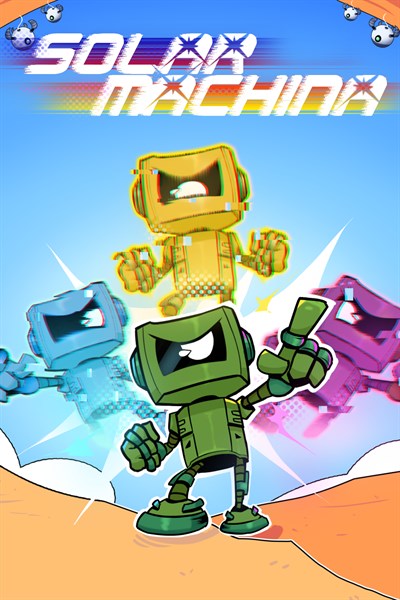
Solar Machina is a vibrant 2D pixel art platformer where you control a robot on a colorful journey through tropical landscapes filled with traps and enemies. As you progress, your robotic suit evolves, granting new movement abilities that transform how you play. With smooth controls, distinct biomes, and a nostalgic chiptune soundtrack, Solar Machina offers a satisfying blend of challenge, rhythm, and exploration that keeps engagement from start to finish.
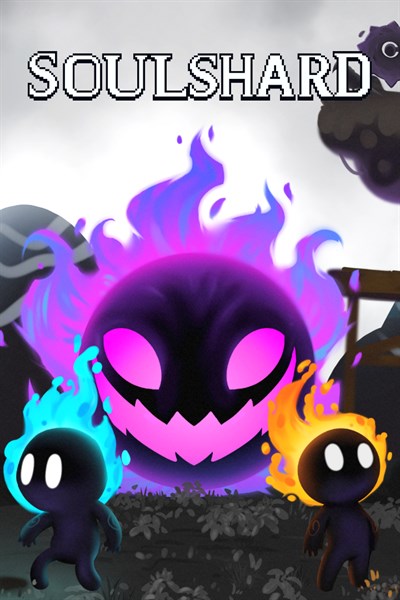
In a realm between life and death, a confused soul seeks redemption and freedom from a past life filled with misguided choices. Playing alone or together via co-op multiplayer, command a soul in search of the exit from this dark and desolate realm. Use the environment to your advantage and avoid treacherous traps to clear 30 challenging levels of hauntingly morose pixel art.
Welcome to the untamed frontier! In Wild West Tycoon you are tasked with transforming the rugged Wild West into a thriving economic powerhouse. This low-poly style simulation game invites you to master the art of frontier entrepreneurship where every decision counts and every enterprise takes you one step closer to building a legendary empire.
After nearly 40 years at Microsoft, Xbox chief and Microsoft Gaming CEO Phil Spencer is leaving the company, along with Xbox president Sarah Bond. Spencer’s retirement was announced in a memo from Microsoft CEO Satya Nadella on February 20th, stating, “Last year, Phil Spencer made the decision to retire from the company, and since then we’ve been talking about succession planning.”
If the PlayStation 5 is your console of choice — and you’re not satisfied with the DualSense gamepad it comes with — the DualSense Edge may be what you’re looking for. Luckily, if its high asking price of $199 was keeping you away, Sony is now offering the white and black controller via the PlayStation Direct storefront in refurbished condition for $169 ($30 off). It comes with the same one-year warranty as a new unit, though it may exhibit minor cosmetic imperfections.
Sony DualSense Edge
Sony’s pro-style controller, the DualSense Edge, might suffer from shorter battery life than the standard DualSense model, but it features great software integration with the PlayStation 5 and plenty of customizable components.
The DualSense Edge is significantly more customizable than Sony’s pack-in controller, with toggleable control schemes you can switch without leaving your game, mappable rear paddles, and swappable joysticks in case one breaks. On its back, there are switches that let you adjust the stopping point of its triggers, allowing either a full pull or a short and clicky feel. It’s also easy to tweak the joysticks’ deadzone and sensitivity levels.
In addition to being a great pairing with the PS5, the DualSense Edge is also compatible with Windows. Several PC games published by PlayStation Studios feature support for some of the controller’s unique features, too. The wireless controller’s only significant downside is that it’s limited to eight hours of battery life, which is a couple of hours shorter than Sony’s standard DualSense gamepad. It shouldn’t be an issue if you remember to charge the controller every few days, though.
If you’re having a hard time trying to find out how to screenshot on Windows, you aren’t alone. If you aren’t familiar with a keyboard, then it can be tricky trying to navigate the space. This guide will show you every method available to you for screenshotting on your PC. Follow along for detailed instructions and visuals.
Print Screen
There is a button on your keyboard that is usually labeled “Prt Sc”. This is the print screen button. This allows you to take a screenshot of your window.
This screenshot gets copied to your clipboard. Meaning, you can now open applications like Word or Notepad and paste the image there.
Windows + Print Screen
If you press the Windows button on the keyboard and the Print Screen button at the same time, it will automatically save the image to your files.
To find the image, go to your pictures and look for the folder labeled “Screenshots.” You will see the picture you just took within the folder.
Alt + Print Screen
If you have more than one screen, this option is for you. By pressing the Alt button and the Print Screen button at the same time, it will screenshot ONLY the active window. Meaning, whatever window or screen you have last clicked on will be what gets screenshotted.
This will be copied to your clipboard. You can then paste it into whatever application you are using.
Snip & Sketch Tool (Windows 10)
To use this method, on your keyboard, press the Windows key at the same time you press your Shift key and the letter S. This will open the Snip and Sketch tool on your computer window.
You can now use the options provided by the tool to choose how you want to take your screenshot. This option allows you to clip and snip, rather than taking unnecessarily large screenshots. You can quickly use the tool to screenshot the exact information you want on your screen.
The screenshot gets copied to your clipboard, where you get the option to edit the clipped image. You can crop, draw, add, etc. to the screenshot. There will now be an option on that page to save the image to a folder. If you don’t edit the image, it will be on your clipboard, where you can paste the image into the desired application.
Snipping Tool (Windows 11)
Windows 11 gave an upgrade to the Snip and Sketch tool. However, they still function the same. It’s just the interface that looks a bit different.
To get to the Snipping tool, you can either type it into the computer’s search bar or use the same method of pressing Windows, Shift, and S simultaneously.
The tool does add some new features, like pre-set snipping tools and delayed capture. Once getting your screenshot, it can be saved and edited in the same way as Windows 10.
Game Bar
To open the Game Bar, on your keyboard, press your Windows key and the letter G at the same time.
You will see several different things pop up around your screen. But, in the top left, you will see a camera icon. Click this or press the Windows, Alt, and Print Screen keys at the same time, while the interface is up, to take a screenshot.
To see the saved images, click below the area where the camera icon is, where it says “See my captures.” This will open up the image. Or, you can go to your Folder and open up the Videos folder. It’s in here that you will find the screenshot.
Wrapping up
And that’s all there is to taking a screenshot on your PC. Whether you want to go the old-fashioned way of just hitting the Print Screen key or you want to open the Snipping tool and edit the photo quickly, these are all sure bets to obtain that image you want.
You don’t need me to tell you that the world is a hellscape lately, but a fun thing about living in it is that it’s full of people with specific interests or niche areas of expertise, and they know all kinds of things you don’t know that you can go learn from them. Recently-released video game Morse is about Morse code, a very niche interest, and is even getting some people into telegraphy, an even more niche interest.
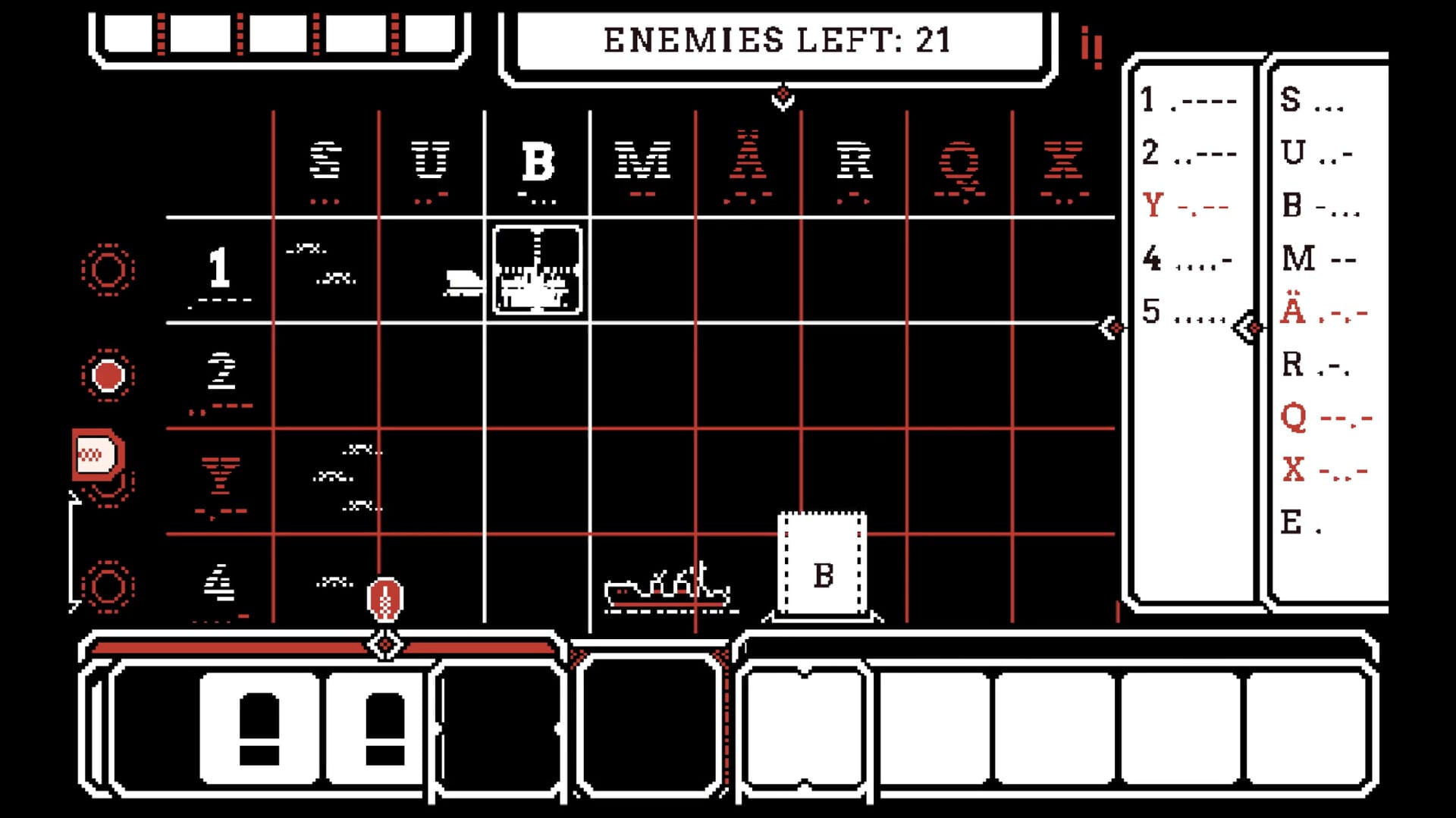
I feel like I’ve been hearing about Morse for years (10 years, apparently!), and it finally released in November. It’s changed quite a bit from the demo I played last year, which featured a narrative; now, you fend off growing waves of enemy ships on a grid you navigate with Morse code.
You tap out letters to move your cursor between grids and squares, all while enemy ships steadily approach from the right side of the screen. You can’t see them at first, so you need to set up mines to reveal them, or fire exploratory rounds to get a sense of what’s happening. As you move through the game, you unlock and upgrade weaponry, but things also get tougher: more ships to beat back, and more rows and columns to frantically dot-and-dash your way around.
I’ve only spent about an hour with the game, but I’ve really enjoyed its very specific mix of stressful and calm. In one way, it’s frantic; there’s way more ground to cover and problems to deal with than I feel like I can, and I’m constantly scanning the field and clicking away with my mouse to dart around. On the other hand, there’s something particularly slow about the whole thing. Tapping too fast will cause you to enter the wrong letter or nonsense instead of letters, so you need to take your time to keep from getting jumbled up. There’s a bit of a delay before you move, and shells take some time to load in. So peppered among a chaotic battle are all these micro-moments of downtime, and the whole game requires a kind of intentionality and level-headedness to succeed at that, when I pull it off, really makes me feel like I’m mastering a skill.
The ideal way to play this game, obviously, would be with an actual telegraph, which has been an option at festivals but less so at home. The Steam forums have a guide on how to get, build, or use one, and players have shown off their ownversions online. It’s a game that invites weird controllers and making your own weird controllers. While I am not a controller sicko like Chris Person, I can respect people who are, and the pared-down input required for Morse seems like an approachable way to get into tinkering.
Morse code and its preservation isn’t something I’ve thought a lot about, but there’s a whole world of enthusiasts out there keeping it alive. In an email, developer Alex Johansson said he hopes to use Morse to introduce more people to a hobby with an aging population, which is an issue I have literally never considered before–what happens if there’s no one left alive who knows Morse code? I love how such a simple little game has given me a peek into a whole world I knew nothing about, with its own customs and lingo and values. Instead of doomscrolling the news, you could be learning Morse code! Maybe the world isn’t so bad.
Is this… bliss? | Screenshot: Nathan Edwards / The Verge
Greetings from the year of Linux on my desktop.
In November, I got fed up and said screw it, I'm installing Linux. Since that article was published, I have dealt with one minor catastrophe after another. None of that has anything to do with Linux, mind you. It just meant I didn't install it on my desktop until Sunday evening.
My goal here is to see how far I can get using Linux as my main OS without spending a ton of time futzing with it - or even much time researching beforehand. I am not looking for more high-maintenance hobbies at this stage. I want to see if Linux is a wingable alternative to Microsoft's increasingly annoying OS.
Games Done Quick, the biannual charity speedrunning event currently going on right now, not only helps organizations like the Prevent Cancer Foundation and Doctors Without Borders - it helps indie games get noticed, too. Indie game developers face an incredible uphill battle not only getting their projects funded, completed, and launched, but discovered as well. Events like GDQ can be a boon to developers, exposing tens of thousands of viewers to little-known games like Bat to the Heavens, Small Saga, and more.
"It was extremely exciting," said Ceroro, developer of Bat to the Heavens, a platformer in which the character must ascend to the h …